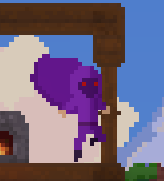
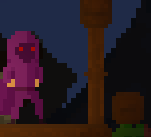
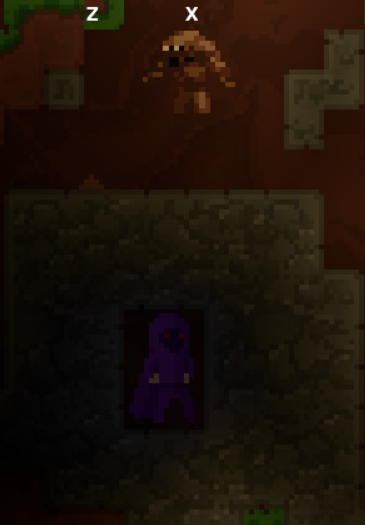
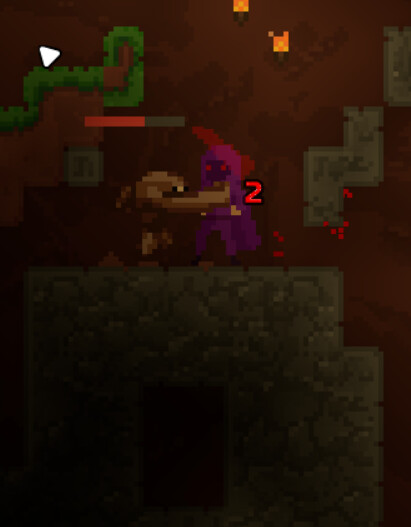
As I mentioned in Progress Update #8 - Flasks, Food, Heat and Graphics we have reached a point where we need some people to test the latest build to report any issues, including things like crashes and game breaking bugs, bad performance, and feedback on the existing content.
Unzip the file, this will produce a folder called planetora-game
Enter the folder planetora-game
Run: planetora-client
You can put feedback either below or in the discord channel.
What to Expect
Currently there is still only limited content available, but a basic early-game progression path exists in terms of exploring caves, fighting enemies, finding ores and spells, and upgrading spells to their cap at T3. The variety is however limited, only a few mobs and some early game content (like the dungeon) is still in progress so while you can find it in the world its really just a place holder for the actual dungeon.
UI is still in progress, so some things (e.g. consumed food) isn’t presented well, and there’s no full map yet.
So, don’t expect much in terms of a game just yet; there are still mechanics that aren’t quite integrated fully into the first part of progression or are unfinished, such as more interaction between enemies and the pixel physics. But there should be enough for a general test of things like:
General gameplay feel
Performance on your system
Game breaking bugs like crashes
Any other bugs
I will look to address issues and update the build as we go. If it happens to crash or have a major bug, especially if that prevents you even launching it, you should report it and I will address it.
Notes
Gameplay Zoom is changeable but locked in a similar way to Terraria, this is because the renderer does not support wide views (and it would break mob spawning); if anyone has an ultra widescreen or 4K screen (I have neither) and has opinions on this, let me know your thoughts
Settings are currently only editable via the settings file; see settings.example.toml for the full settings. If you want to change any, copy it as a new file called settings.toml and edit it
Neighboring trees(touching trees) will break each other slightly
Grabbing items with a held down right click works, but crafting does not
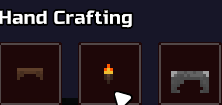
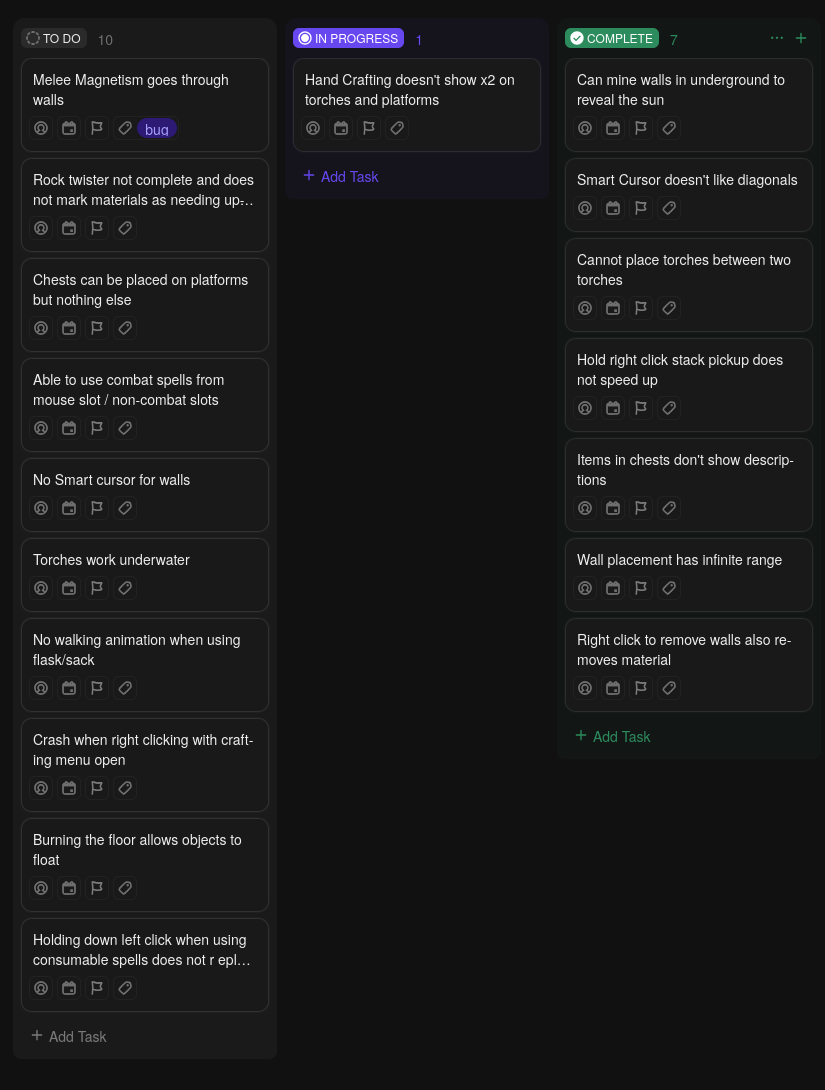
Items in chests or in the hand craft menu don’t show descriptions
if you saw an absurd amount of items in the clips, that was because the game crashed and didn’t save my player data, so i did a little tomfoolery to get items back(and to recreate bugs i wrote down but forgot to clip)
Overall experience was pretty good tho(I played for around 2 hours before hitting the crash), didn’t experience any noticeable lag problems.
I couldn’t figure out how to get the smoke wall(not smoke flare), as well as how to use the flasks and sacks
Fixed
Right clicking something from the hotbar makes it disappear and reappear when you open your inventory
Torches can be placed on each other
Torches don’t drop when mined(is this intentional?) but treasure torches do
Wooden table isn’t one piece(breaks block by block)- same with the chair
It is one of the possible loot from underground chests currently.
Good point, perhaps I can put this in the description. You just hold the item and submerge yourself in whatever you want to collect. The sack requires you to crouch but it will probably be changed to just be thrown at the powder instead to collect it since crouching looks odd as the player falls each time they collect the powder underneath them.
It was from breaking the door- despite pressing ctrl+c to close the game.
Note: this was the first playthrough, where I hadn’t closed the gave to save the data yet. As in there was no existing player.dat. However, after saving once(having a player.dat file), doing the same crash DID save the player data.
Edit: after some further testing it actually doesn’t save at all even if you have the player.dat file
I’ll do some further testing on weaker computers later today, but I do not have any running linux so I cannot test that
Spamming right click on a door that is on fire crashes the game(semi-inconsistent)- video could not be taken as it was a full crash
More bugs
Chests can be placed on platforms, but things like furnaces or crafting tables cannot
Throwing out a flask/sack resets it
Using right click to remove walls also removes all particles
Poison is only applied if your feet are touching the poison
Using a spell from the inventory by picking it up with your mouse uses it but does not start
counting down until you put it on your hotbar
If mined from the top, trees do not chop down properly
Suggestions
A background for the underground could help, since you can just mine a wall and you have light(as long as its day)
Crouching in any liquid below your head at standing height doesn’t let you use the flask
Smart cursor doesn’t work for right click
Torches work underwater
While using the flask/sack, there is no walking animation
Earth cooldown spells contribute to the earthen shield- since you get them in batches of 15, you can max it out easily
Gameplay
This time around, I did experience a couple of crashes out of nowhere, but was unable to record the error message in time- I’ll keep trying and seeing if I can capture it
Found another crash, which is might also be the one I thought was inconsistent with the door in the first reply
Steps:
Open a crafting menu
Right click the far leftside of the screen (specifically near the center)
And a few more bugs
Same items do not stack together in chests
Anvils are flammable?
Fire can be used to make things float
Holding down on consumable spells doesn’t play the animation
Related to the 3rd reply, about cooldowns of spells used from the inventory, if you stack the spell onto another and pick up of it again, the cooldown resets
Breaking your placed wood walls do not give back wood
Wall placement has infinite range
And a suggestion again
Maybe turn rock twister’s sprite so the pointed end faces where it’s going
On the current build I don’t see that issue? Do you have video?
Also I updated the build again with some more fixes. Note that I made generated walls mined from edges only (like terraria) but only works on new saves.
Also this is what I wrote down currently, let me know if there’s anything not fixed that is missing that you wrote before:
The poison debuff isn’t applied unless your feet are touching poison- in the video my feet were in the blood, but my entire body was in the poison and the debuff wasn’t getting refreshed to 15s.
The flask pickup only works when your head/eyes while standing are in the liquid
Ah you’re right, I had a second stack that it was going to that I didn’t see. But also the item doesn’t drop where you broke the wall, it just gets sucked straight into your inventory
Also, the crash with the open crafting menu no longer happens on the newest version
A few more bugs
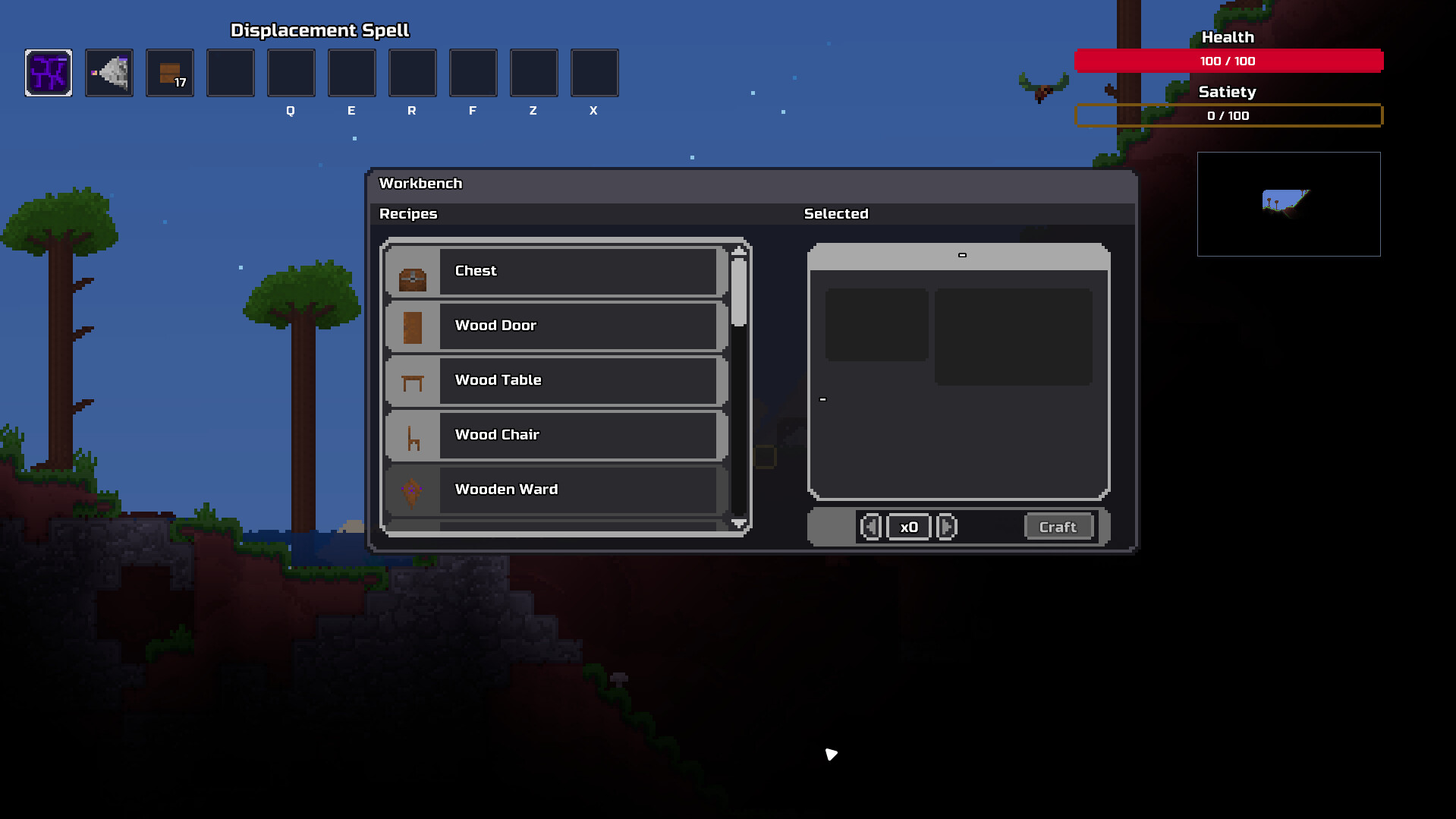
While in crafting menu, you can access the hand crafting menu
Right clicking equipment on the hotbar doesn’t equip it, unlike when it’s in the inventory
Infinite crafting range got fixed, but having the crafting box already open still lets you craft from infinite range
Throwing out a flask or sack resets the liquid inside
It still looks like your crafting station UI isn’t centered? Did it not change with the latest build?
I’ve not updated it yet but I fixed some more issues you reported. For rock twister I’m holding back on changes because I think as a spell it is possibly going to be changed anyway.
And the issues around spell cooldowns will change since there will be dedicated spell slots that normal spells will need to be in to be used.
It’s probably not as obvious as it needs to be, but it is a dash spell, so you need to either right-click with inventory open or click and move it into your dash equip slot on the right side. Then it triggers when you dash (shift)
also when i use my ultrawide monitor lik 3440x1440 when i pick up item in invetory its like far from the cursor idk how to explain this so i just recorded it
sorry if this is something you knew already
(first part im using a more standard resolution then next is the ultrawide)
my game crashed aa i forgot to record but it kinda happened when i dropped my accessory while putting items in chest then picked it up while my inventory was open (i had the same accessory in my slot) and then it stacked with the accsessory in my slot and then it crashed
im having a hard time recreating it cus i don have my items so not sure if the accesosry thing caused it or the chest
Thanks for testing. I am leaving the current build up in case there are other issues or someone who hasn’t yet tested wants to try.
I am going to focus now on the next set of content for the early game towards another playtest, such as the hellfire dungeon and mini boss it will contain.
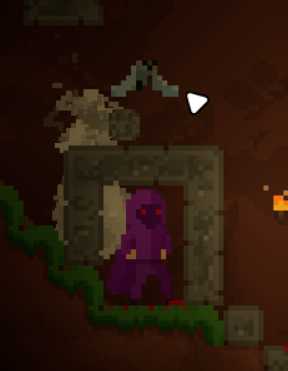
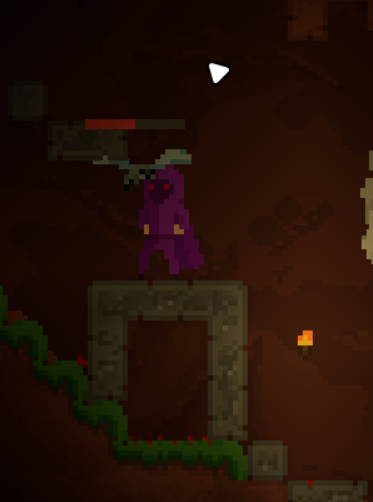
idk is ts a known bug but smoke punch and its upgrades can clip you true blocks (including the unbreakable dungeon blocks) [obs does not record planetora for some reason so i use screenshots]
here is me clipping true 1 block box: