What’s the issue? Did you double click on planetora-client
6 Likes
yes, isnt starting. I wouldve liked to send a video but I dont know how to screen record on Linux (yet)
5 Likes
If you can open a terminal and run it from there you might get an error or something.
6 Likes
alright, I’ll give it a try
5 Likes
What is the command to run the game via the terminal?
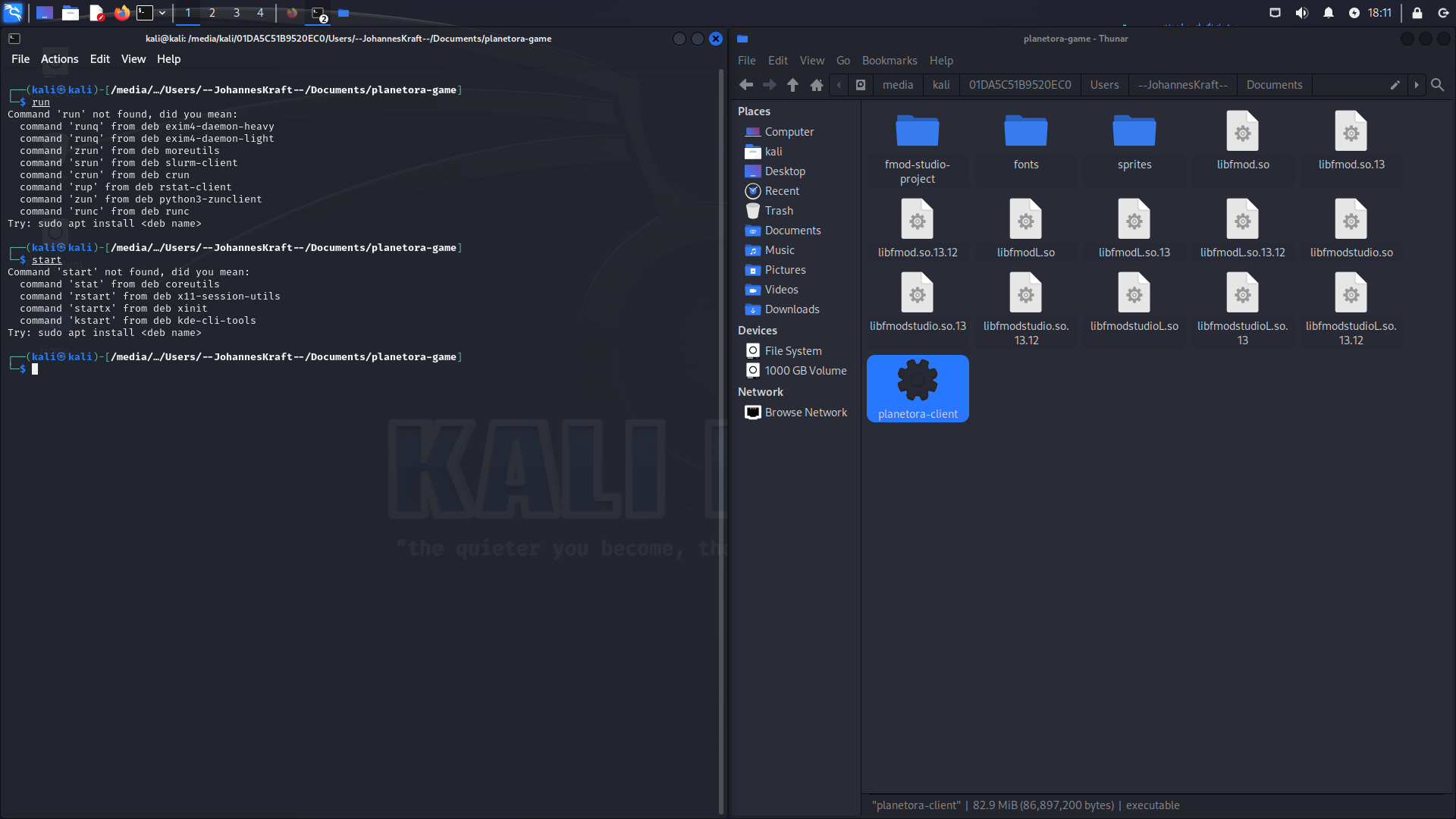
ive tried commands like
/start planetora-client
/start planetora-client.exe
5 Likes
Should be just ./planetora-client
6 Likes
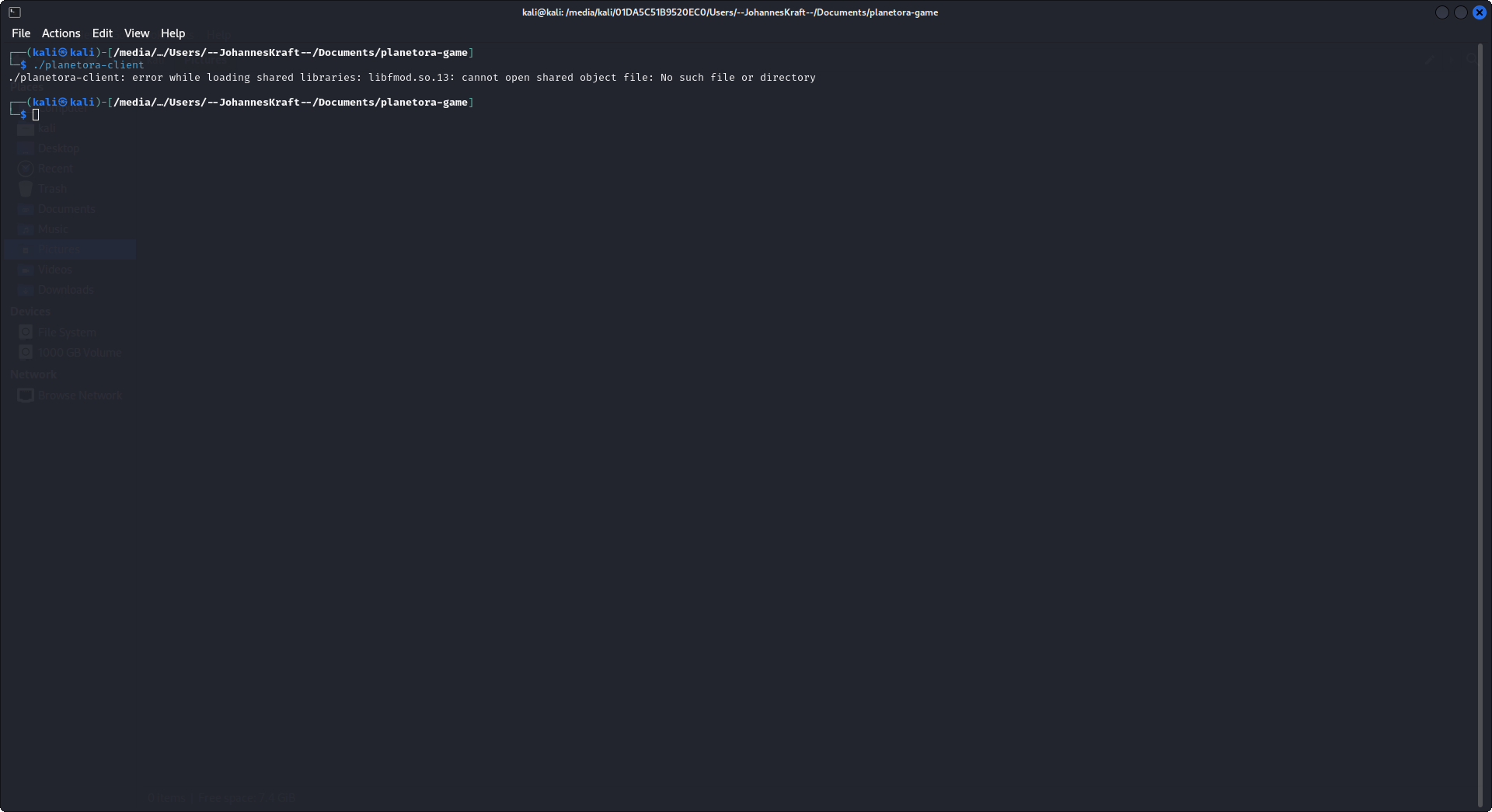
Are you able to type:
ldd ./planetora-client
6 Likes
yeah, sure. Give me a second I have to reboot my pc
5 Likes
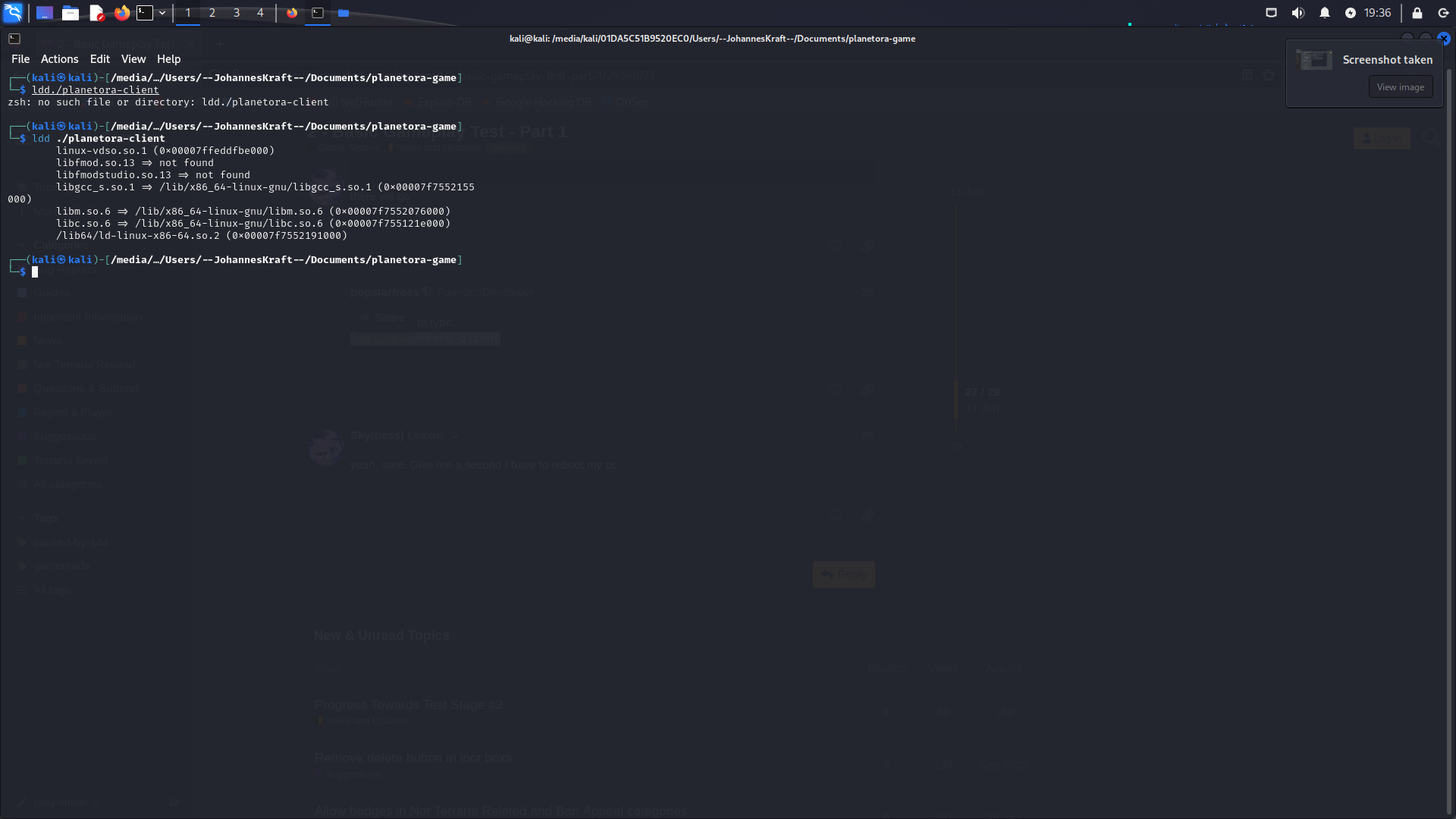
Perhaps you can try this:
LD_LIBRARY_PATH="$LD_LIBRARY_PATH:" ./planetora-client
or
LD_LIBRARY_PATH="$LD_LIBRARY_PATH:." ./planetora-client
6 Likes
I will definitely try it out. Unfortunately, I have to leave for an hour or two at the moment.
5 Likes
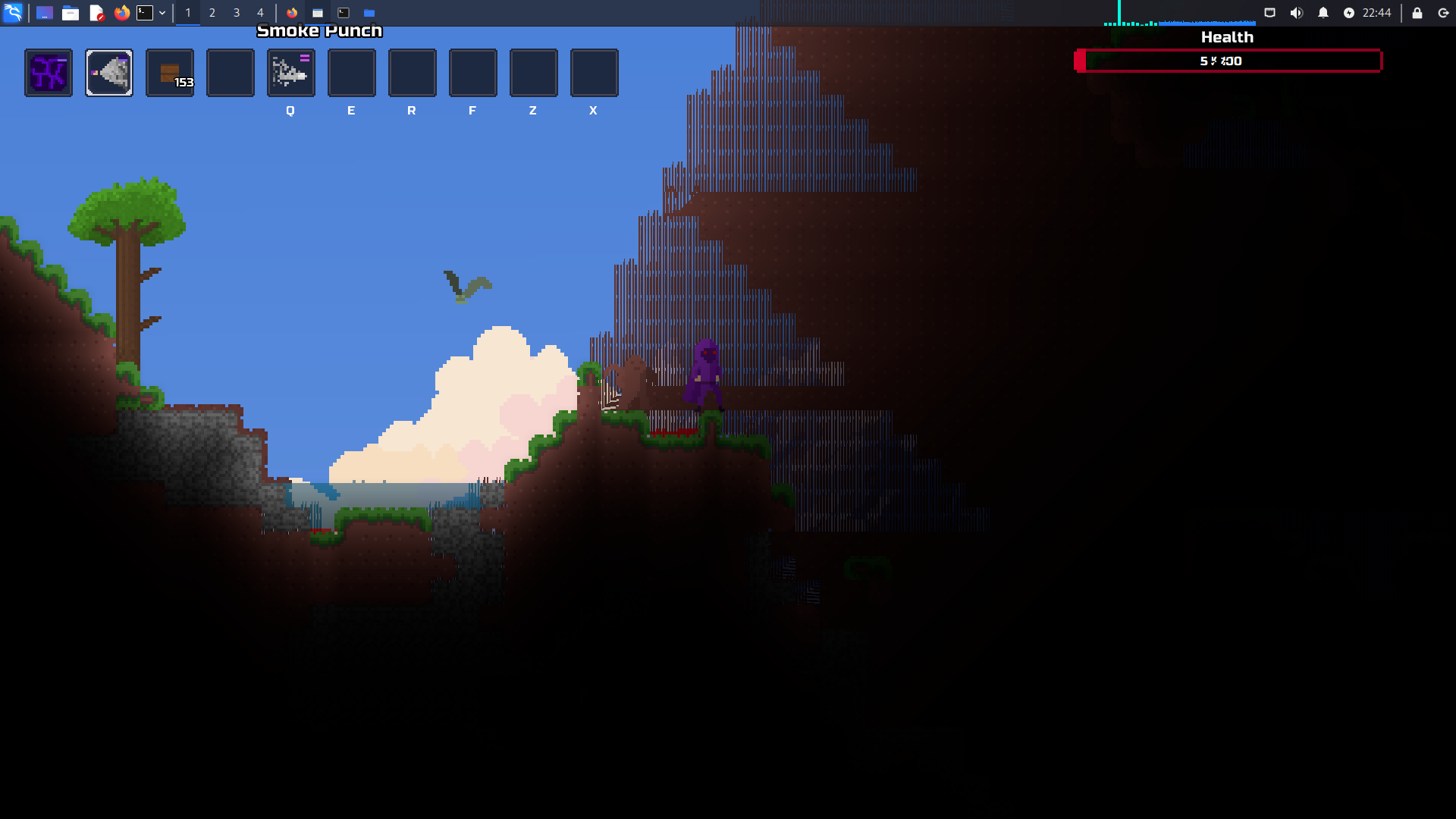
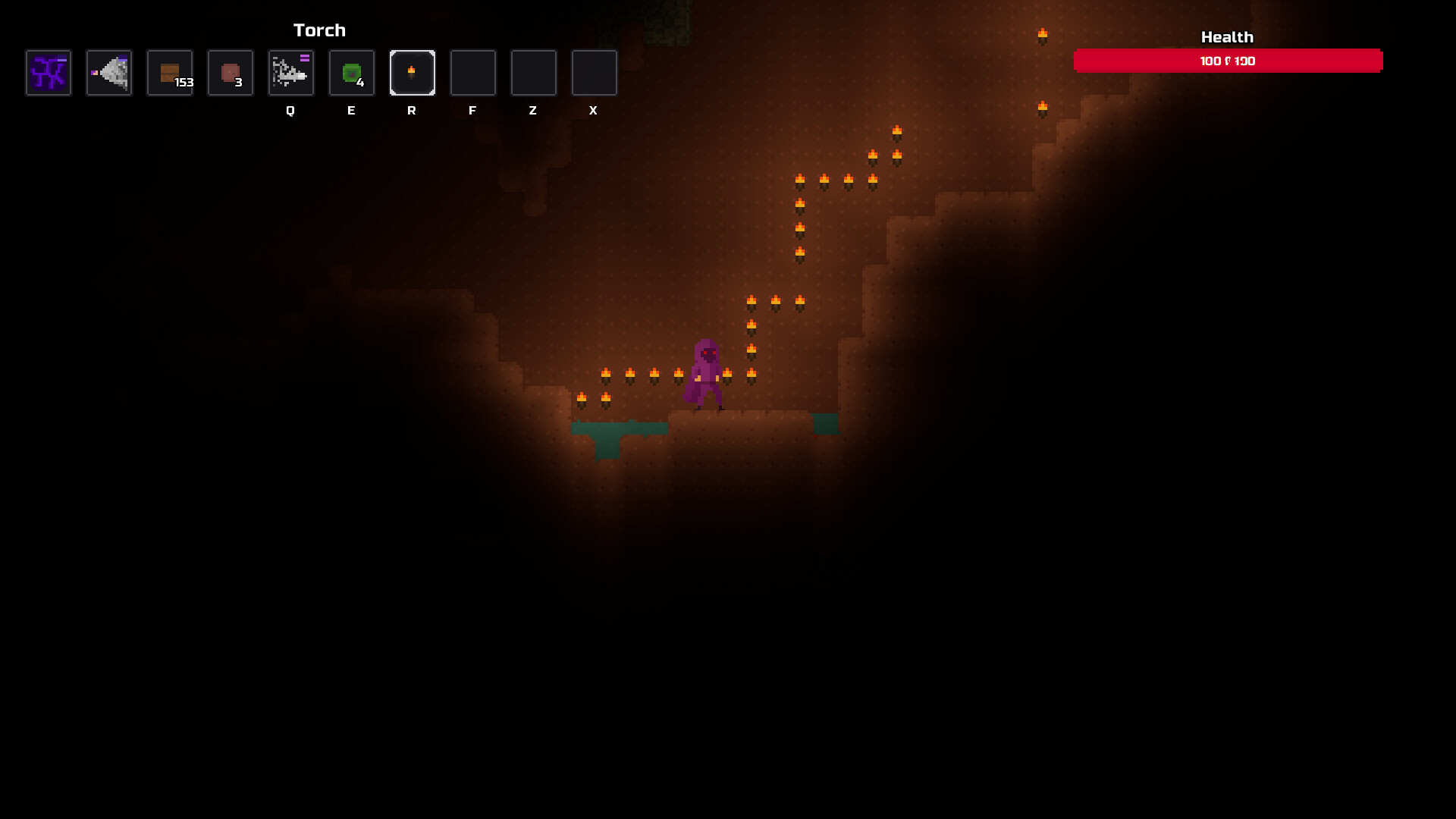
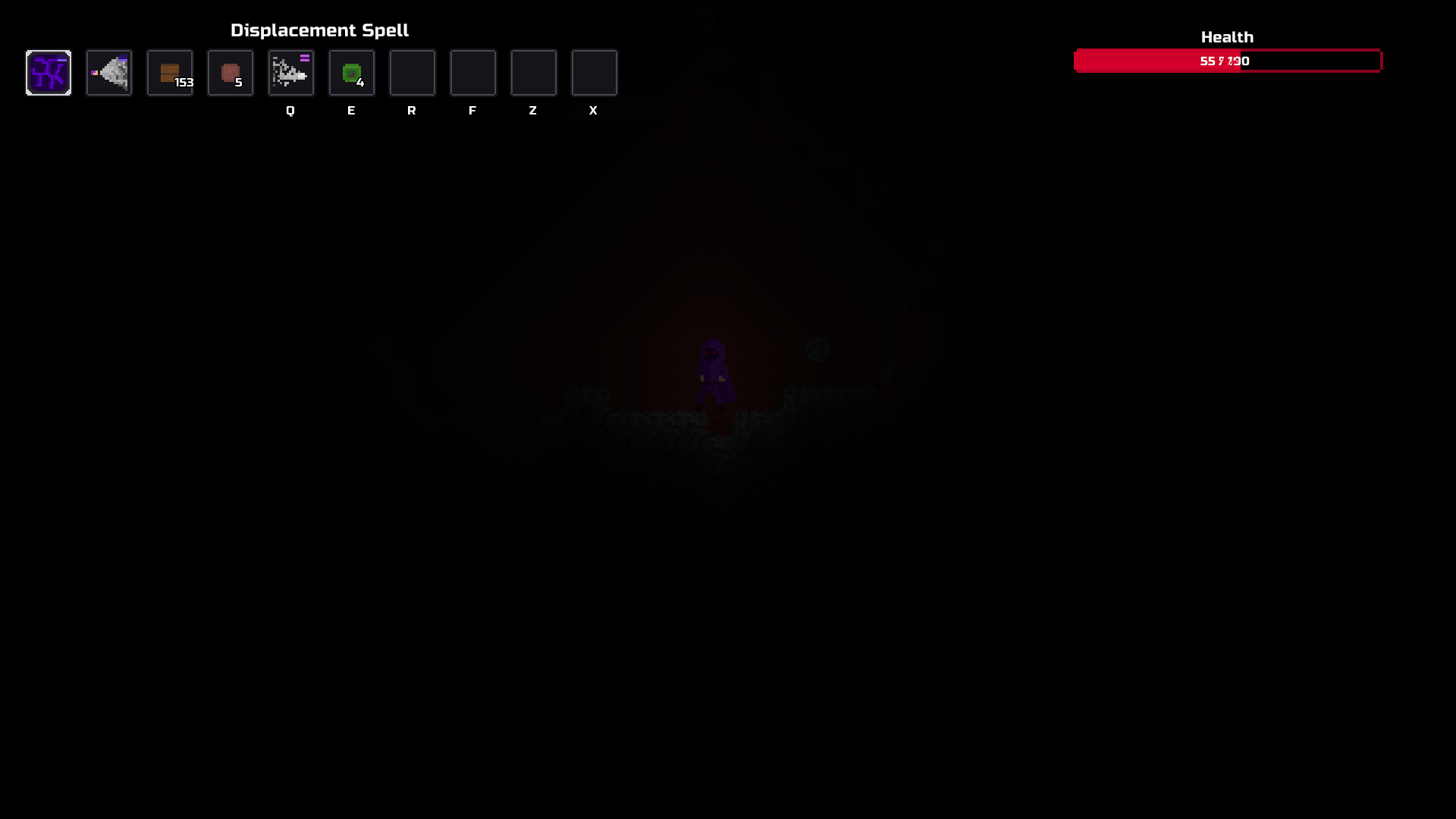
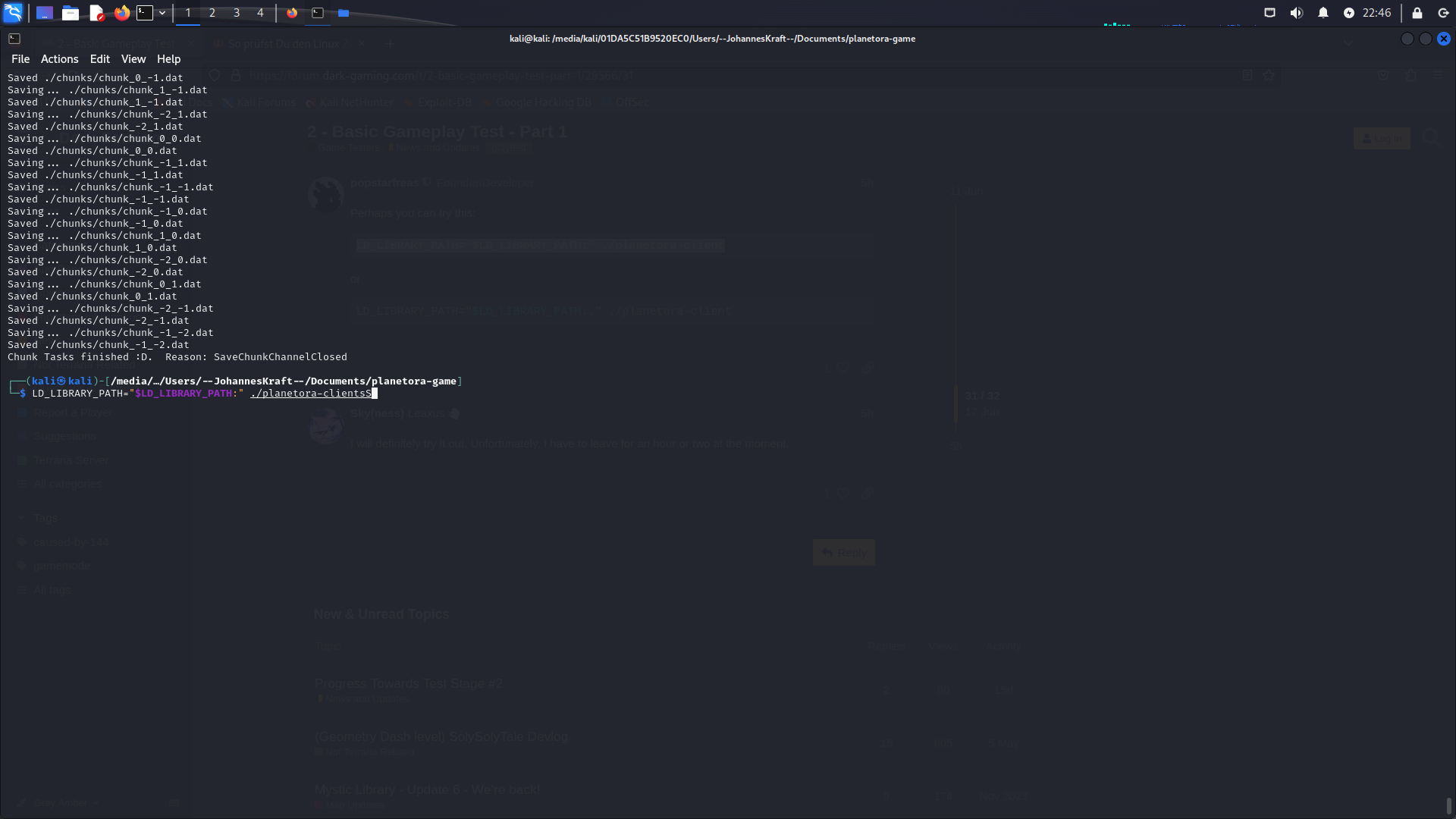
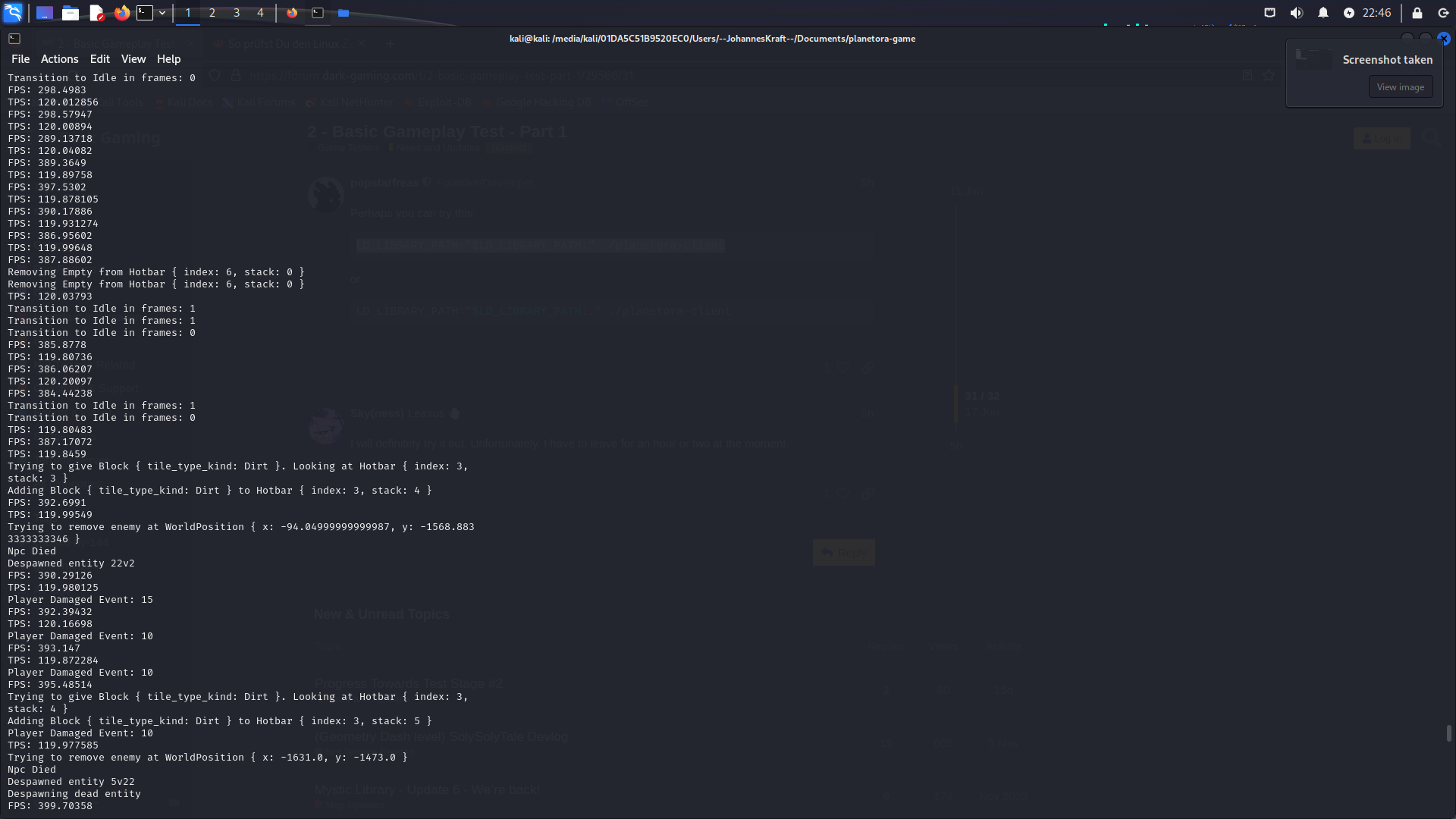
So… it finally worked, I was able to start the game on Linux. Unfortunately I couldn’t make any video recordings, but I was able to capture a few details. By the way, it already worked with the upper code, I didn’t need the second one at all. I’ll quickly upload the pictures now. By the way, is it planned that if you go too deep into a cave, the whole screen goes black and you can’t see anything at all?
In general, the game has already made great progress compared to the previous version (before the update)
4 Likes
What do you mean black? As in you have placed no torches and it is dark? There should still be faint light around your player character.
That first picture seems the walls are showing up wrong for some reason, as well as the health bar text. I’ll have to look and see if I can find out why. The FPS is also strange but I have seen that on my laptop so I have a way to try and test that myself.
Also thanks for your time in testing, it’s been really helpful. I’ll be sure to give you some DP and credits.
6 Likes
So the screen went completely black, no light. Thank you very much for letting me help. I really hope that I was of some use.
5 Likes
Trying to understand if you mean like in terraria if you happen to go into a cave without a torch it is dark because nothing is emitting light until you place or hold a torch or if you mean that the lights suddenly disappear when they should be there?
Yes what you have done so far is very useful, I will need to see if I can figure out why it is not working for you in Windows since I can’t seem to get the same issue when I run it on my windows install.
6 Likes
It really is the case that if you go deep into a cave, the screen just goes completely black, as well as if you simply switch it off. When I then pressed the Windows button, it became brighter again.
4 Likes
Video would be useful to know what it looks like. Perhaps install obs or peek?
And if you manage to get around to it, with the Windows version, can you delete that entire folder and unzip the latest file again? The screenshots you posted before had line numbers that seemed like they were from the old version.
Edit:
Might have an idea on the texture’s being messed up. Will update the linux version soon.
5 Likes
I downloaded the game on the PC at the university and it worked perfectly (Windows, Intel).
I assume that this has something to do with the processors or whether it is from Intel or AMD. This time the graphics were also rendered without errors, the walls were normal again. I will try to record and upload the whole thing tomorrow.
4 Likes
In the client.log near the top it will contain something like this:
12:02:02 [INFO] [src/renderer_vulkan/vulkan_renderer.rs:550] Using device: NVIDIA GeForce RTX 2060 SUPER (type: DiscreteGpu)
12:02:02 [INFO] [src/renderer_vulkan/vulkan_renderer.rs:124] Surface Capabilities: SurfaceCapabilities { min_image_count: 2, max_image_count: Some(8), current_extent: Some([2560, 1440]), min_image_extent: [2560, 1440], max_image_extent: [2560, 1440], max_
image_array_layers: 1, supported_transforms: IDENTITY, current_transform: Identity, supported_composite_alpha: OPAQUE, supported_usage_flags: TRANSFER_SRC | TRANSFER_DST | SAMPLED | STORAGE | COLOR_ATTACHMENT | INPUT_ATTACHMENT, compatible_present_modes:
[], supported_present_scaling: empty(), supported_present_gravity: [empty(), empty()], min_scaled_image_extent: Some([2560, 1440]), max_scaled_image_extent: Some([2560, 1440]), supports_protected: false, full_screen_exclusive_supported: false }
12:02:02 [INFO] [src/renderer_vulkan/vulkan_renderer.rs:135] Supported Formats: [(B8G8R8A8_UNORM, SrgbNonLinear), (B8G8R8A8_SRGB, SrgbNonLinear)]
12:02:02 [INFO] [src/client/mod.rs:204] Refresh Rate: 165
12:02:02 [INFO] [src/client/mod.rs:209] Target FPS: 120
12:02:02 [INFO] [src/client/mod.rs:211] Frames per tick: 1
Pasting that info for any device you test on is useful since it says what graphics device it is using. I think I’ve seen texture issues previously on AMD graphics.
I can’t say for sure why it doesn’t work for you on Windows on your own computer, but the issues you had were related to file permissions. I’ve not yet figured out how to cause it to happen on my own computer. I would say at least don’t choose the option to Run as Administrator because that might create a file that requires admin permissions.
5 Likes