Previous update: Progress Update #4 - Progression, World Gen and Editor Mode
Digging
Due to the fact that the world is actually made up of both blocks and pixel material, I’ve added another digging tool that allows free deformation of terrain. This allows digging to not be aligned to blocks and it also allows players to carve unique shapes of their own.
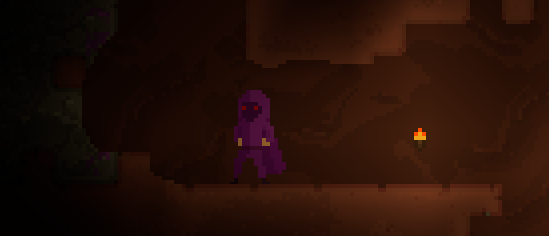
For example these slopes are not currently possible without free deformation:

This doesn’t allow mixing more than one block type per block space though, so the trimmed out sections can be filled by either air or a pixel material, but not another block.
World Generation
The First Dungeon - aka The Hellfire Conclave
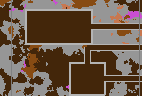
The hellfire conclave is the first dungeon in the game and has its layout randomly generated, as I expect all dungeons will. Dungeons in Planetora are different to other parts of the world in that you fight through them a room at a time. You must defeat the enemies that spawn in each room you visit (if it is that type of room) to continue exploring. Dungeons challenge the players combat skill but provide their own unique rewards.
Rough structure of part of a dungeon:
Combat
Armor
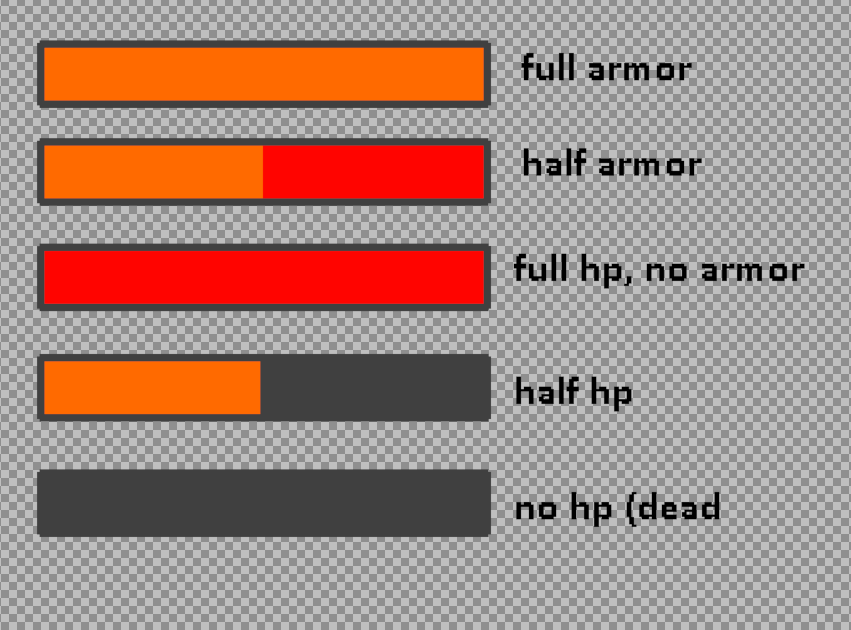
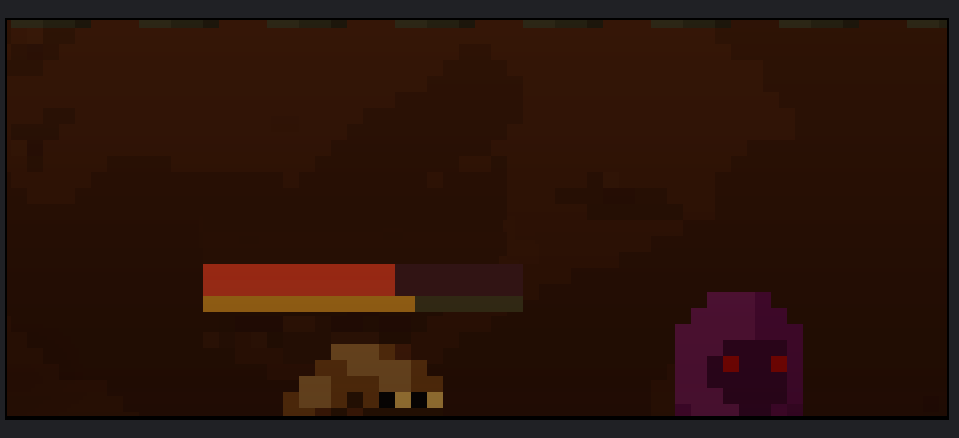
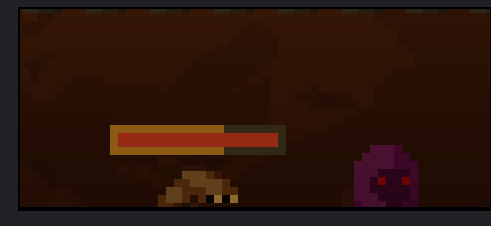
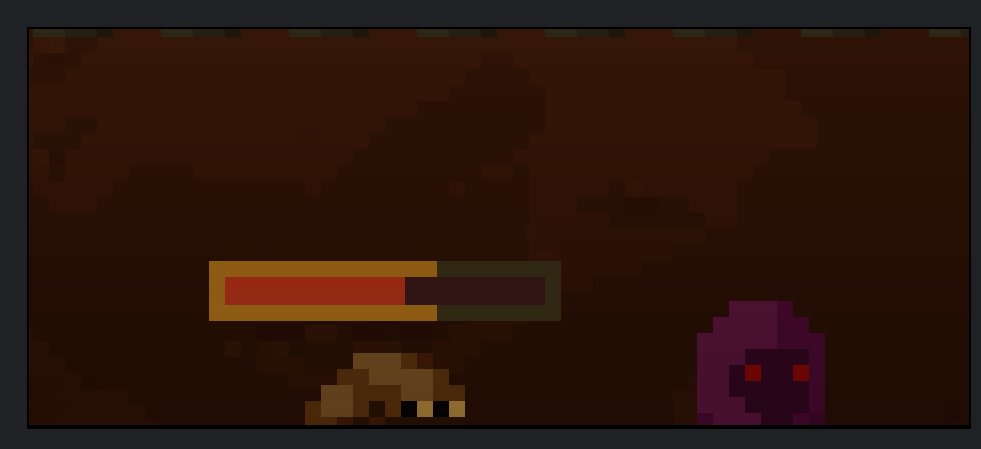
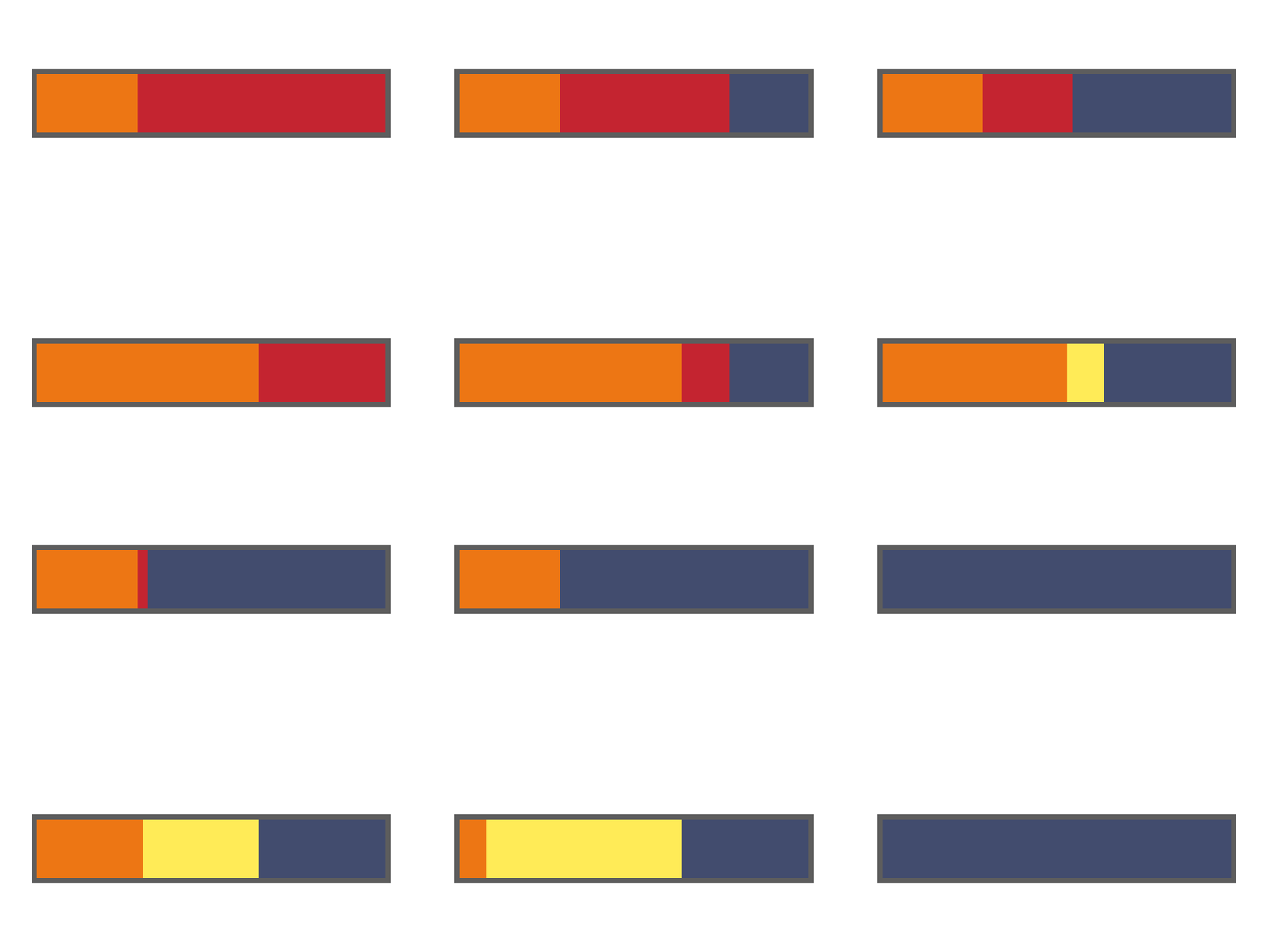
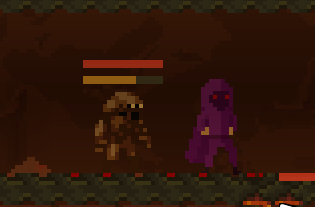
Some enemies will have armor on top of health. When an enemy takes damage, it will first apply to armor and then once armor reaches 0, further damage is dealt to health. Armor damage will do 0 knockback and will not stagger an enemy, so the player must be extra careful in how they engage enemies with armor.
Health Bars
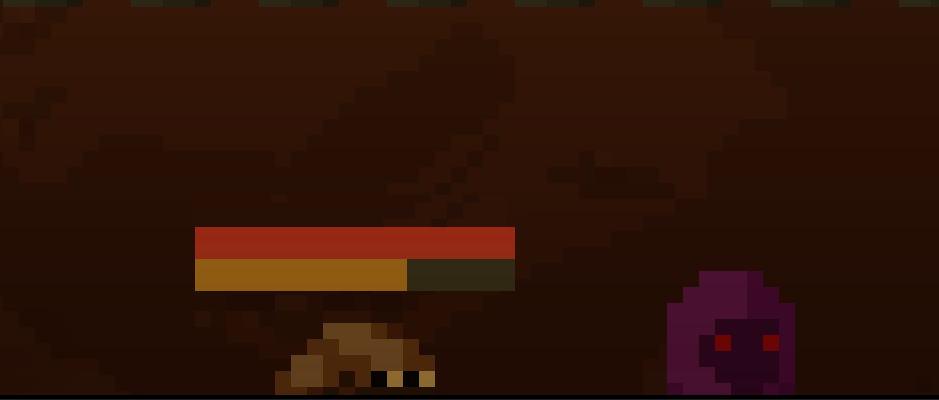
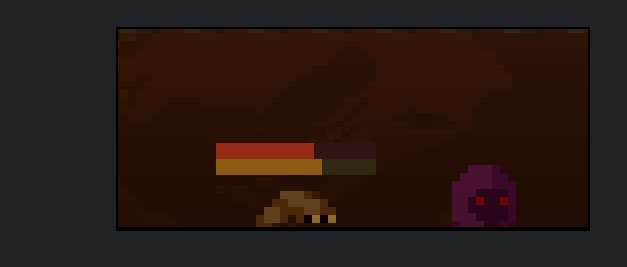
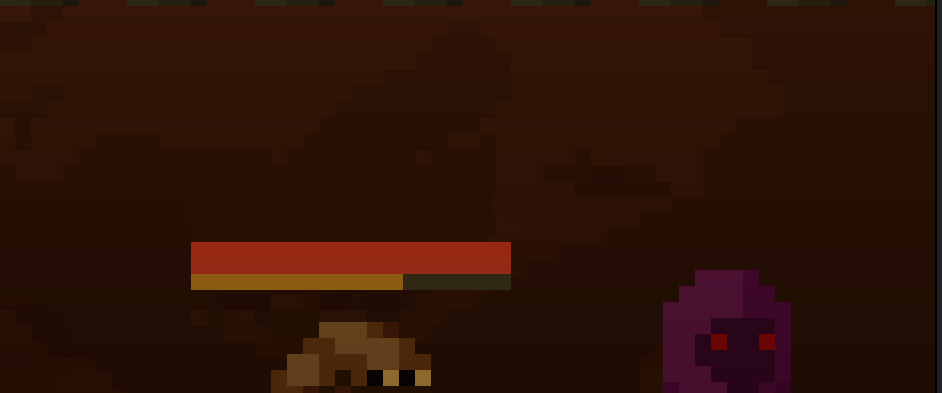
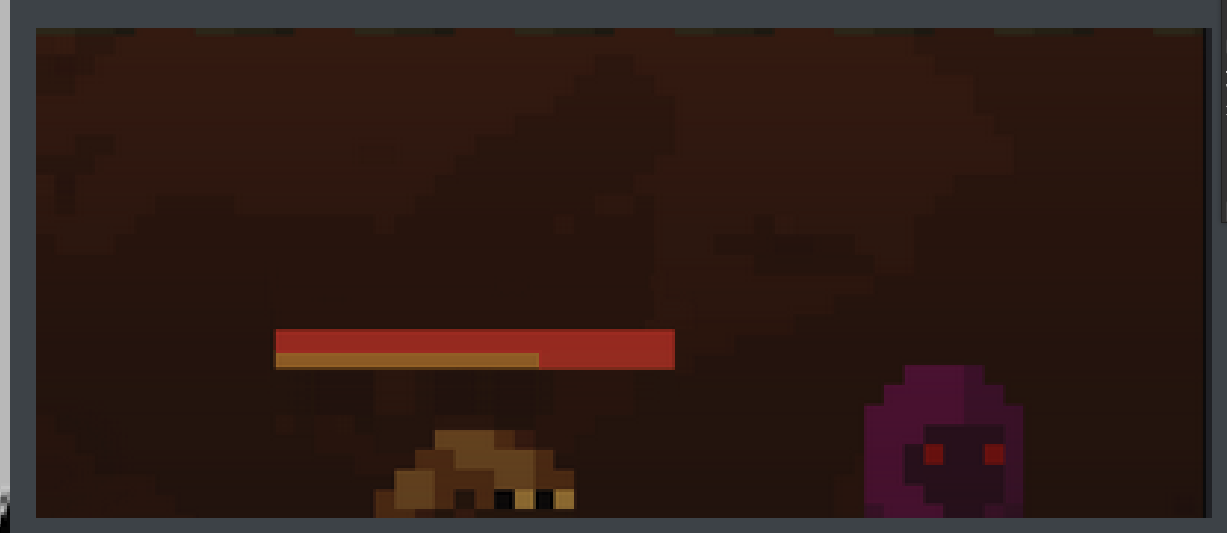
When damaged, enemies now have health bars. Enemies with armor also have an orange health bar.
Benchmarking
In order to ensure the game maintains performance through the various changes, I have been updating and running the benchmarks from previous tests. This will be available as part of the next test so that we can gather updated performance benchmarks on different specs to see where performance is at across a range of devices.
The game’s internal tick rate is 120 per second. Most of this is to ensure the pixel simulation moves up to 120 fps. The goal is to try to make this performant as much as possible at this tick rate and then based on where performance gains can be made if needed, drop the tickrate for all or some aspects of the game as needed.
Roadmap to Demo
There’s still some things that need to be worked on before we are ready for the next test aka the first slice (basically a small demo):
- Additional furniture items for decoration
- Complete implementation of growing seeds → cooking → eating
- Buffs (from food)
- Buff Spells
- Item Drops
- UI Fixes on some devices
- Game Zoom
- Dungeon Enemies
- Dungeon (mini) Boss
- First Boss
- Combat Refinements
- Pixel Sim Projectiles
- Particle Effects
- More Spells