Phase Update
Some of you have already seen this update, however I didn’t post this topic until the mobile version was also updated.
Phase has now officially updated to v3. This releases a bunch of UX improvements, new features and fixes.
Issues Fixed
Accidental Leaving of Discussions
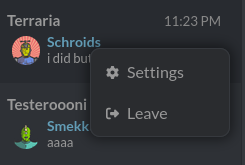
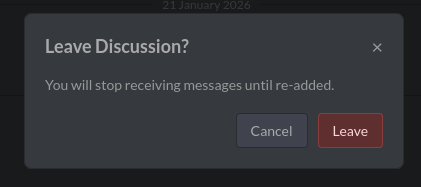
Over the years it has been obvious that for new users there has been a usability issue with people accidentally removing themselves from a discussion.All it took was some curiosity on what the minus symbol did. Leaving a discussion now requires accepting an additional prompt and is only via context menu with the explicit label “Leave”:
Mismerged Messages
Previously some messages, especially from in-game, were merged erroneously causing some messages to look like they were sent by another user. This has been addressed and we should no longer see this happen.
Terraria Item Images
Terraria items including v1.4.5 items now show up properly in chat and have proper labels (not just Beenade):
New Features
Settings
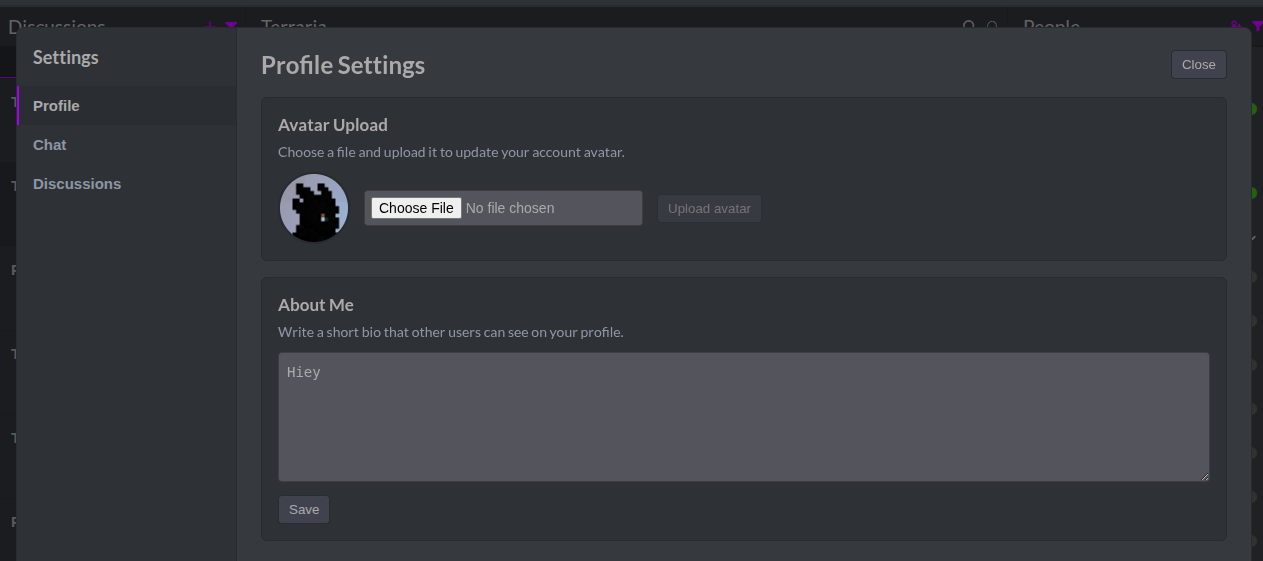
New Settings Page
With this update, additional settings have been added. This have now all been placed, along with avatar updating, in the new settings page:
Messaging & Interaction
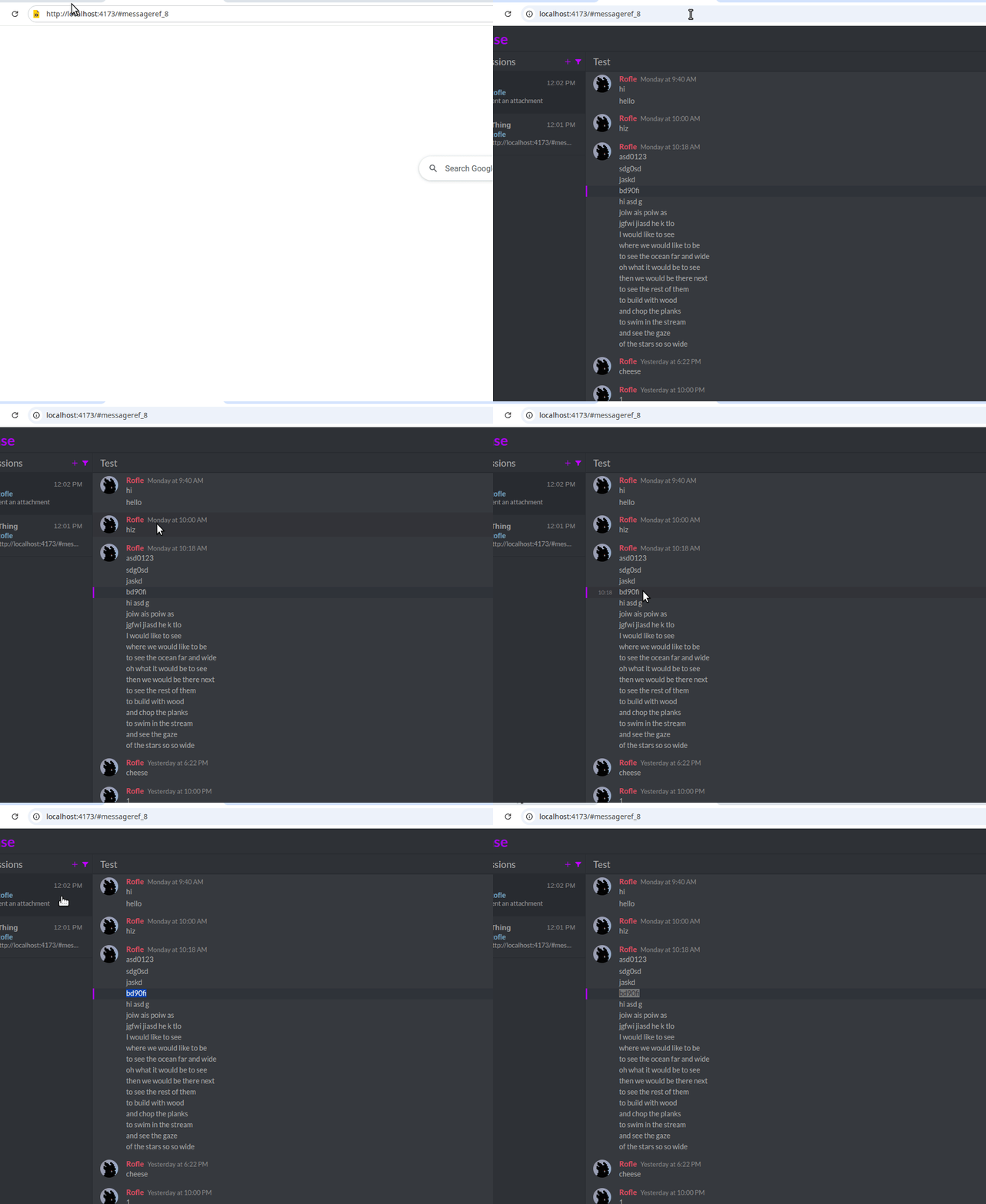
Message Links Open Directly
Previously phase message links only worked when you clicked on them inside of a phase itself. Now if you happen to open phase via such a link elsewhere, it will directly load to that message.
Attachments
Messages now support one or more attachments up to 25 MB.
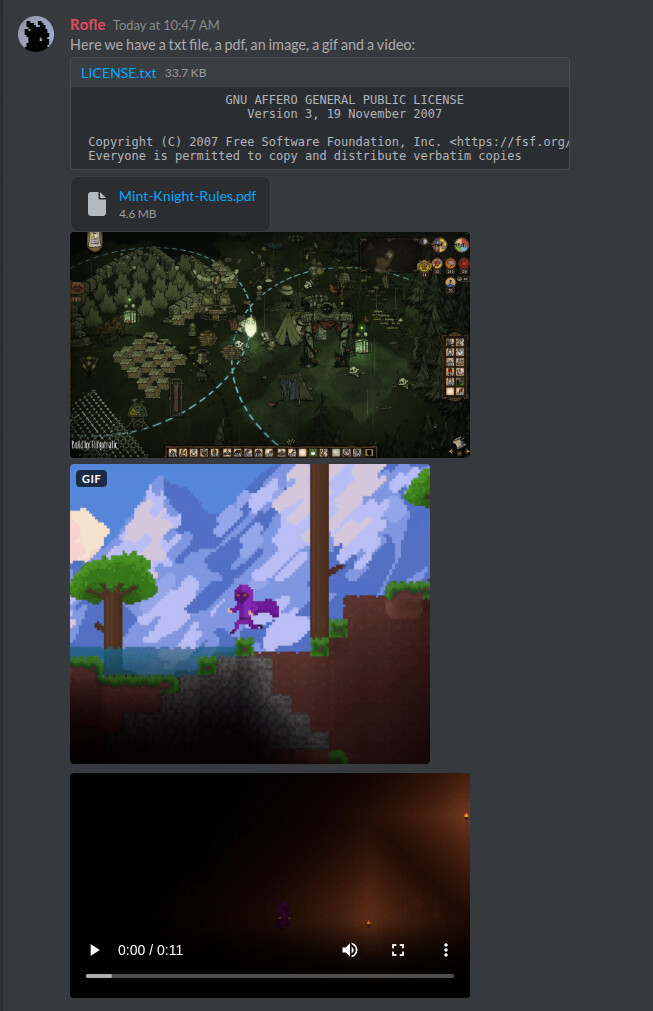
This replaces linking image content. Most links no longer automatically show their image. Attachments are uploaded either by pasting or dragging in files.
No GIF autoplay
GIFs no longer auto play. Instead you must hover over them for them to play.
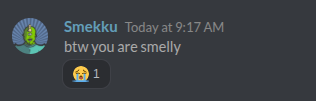
Reactions
Messages now support reactions. The available emojis are currently just a preset list, but will be updated in future to a proper set, including some custom ones from DG.
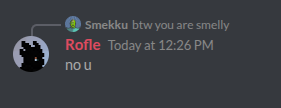
Replies
Messages can now be a reply to another message. This makes it obvious which message you are responding to, and the linked message can be clicked to go to it:
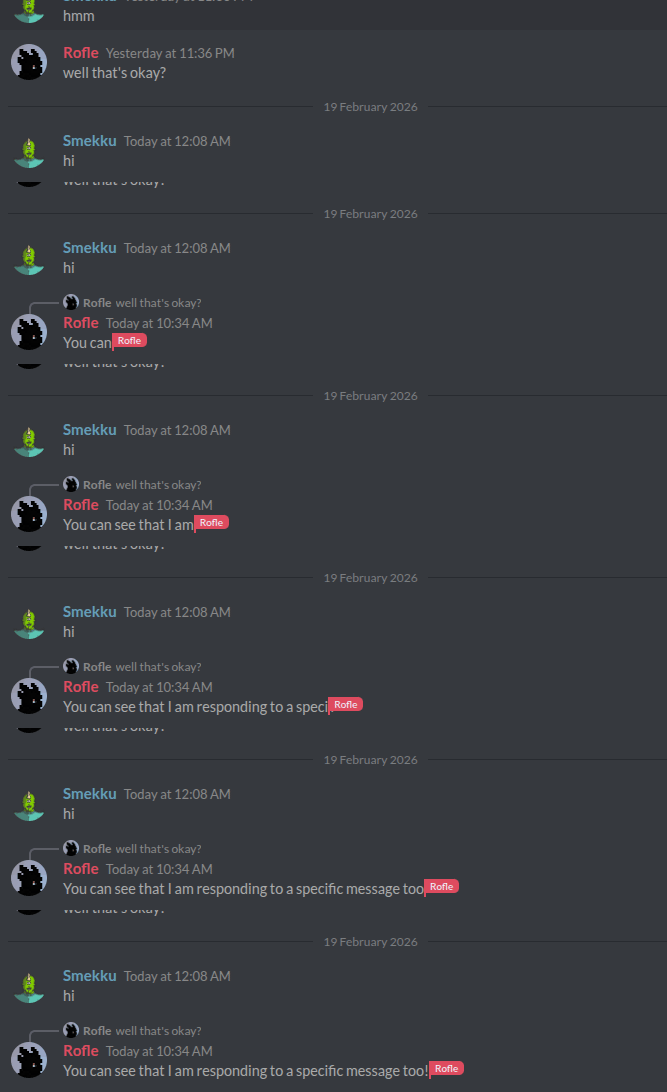
This is also displayed with live typing:
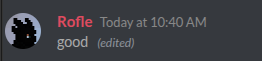
Message Editing
Messages can now be edited within a certain time limit after posting them:

Available via this icon:

Message Deletion
Phase Staff as well as discussion facilitators (more on this later in the topic) can delete messages. Facilitators cannot delete messages from Staff.
Date Dividers
To make it more obvious when messages occur over different dates, we now have dividers.
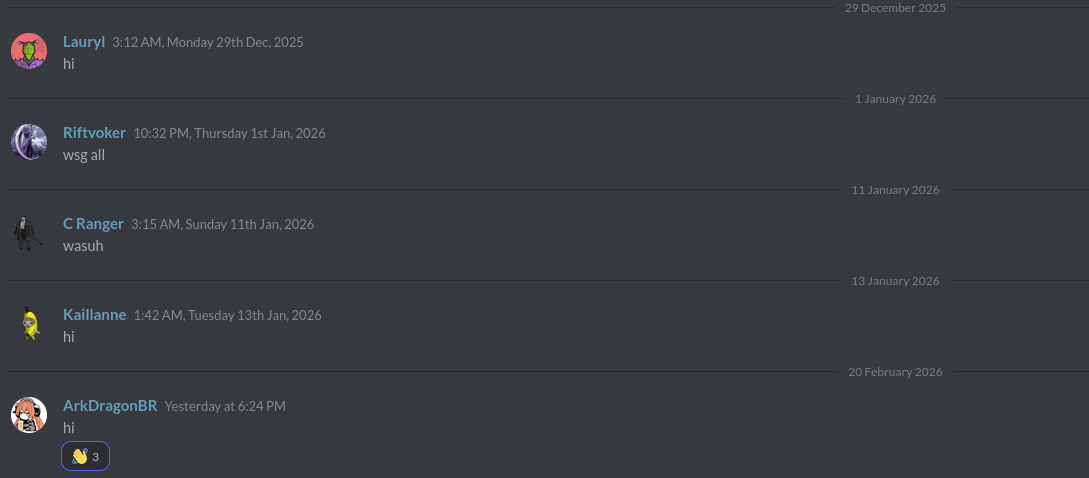
New System Messages
Discussions & Discovery
Public Discussions
Users can now create discussions as public, or creators can change existing ones between invite only and public. Public discussions allow anyone to freely discover and join them. Such discussions when not already joined are listed under a separate category, and only once you join them do they show in your normal list. All the main discussions (that are auto joined when you first login) are now considered public. This means whether you intentionally or purposely leave one of the main discussions, you can easily rejoin, no invite needed.
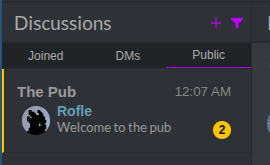
Mentions
Mentions have been changed slightly. Now when typing chat, you will get autocomplete on mentions:
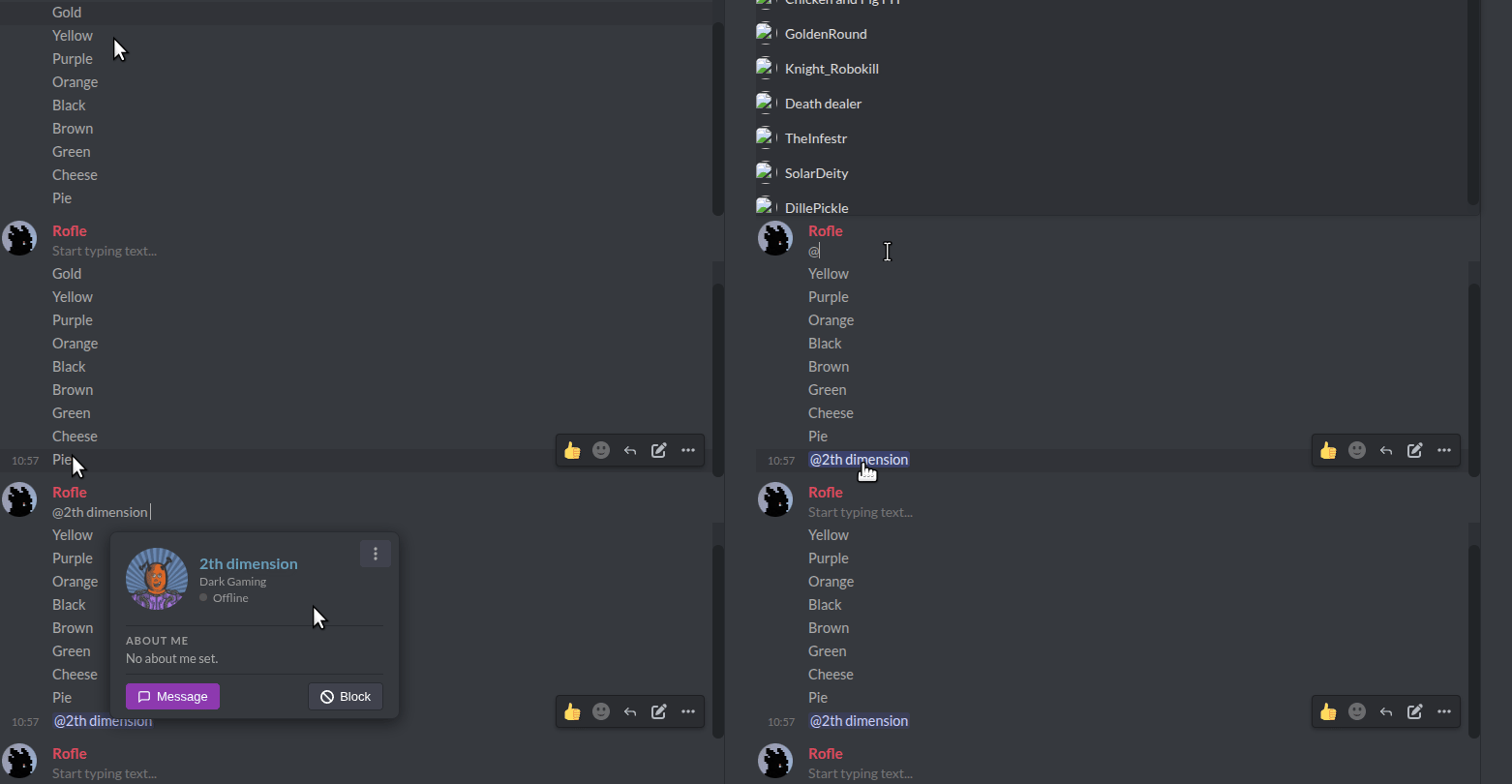
Doing it this way will highlight them properly in sent messages. These however do not ping anyone currently and the input itself has no highlighting applied, so you just have to assume it works before posting your message. This will likely improve in future when the chat input as some rich text capabilities.
Unread Discussions
Unread Discussion status is now persistent across sessions. This means when you come back, all discussions that have new messages will be properly designated as unread.
Direct Communication
Direct Messages
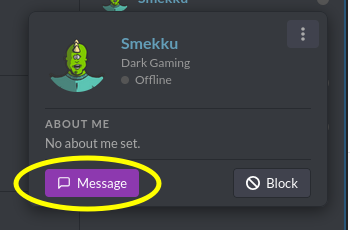
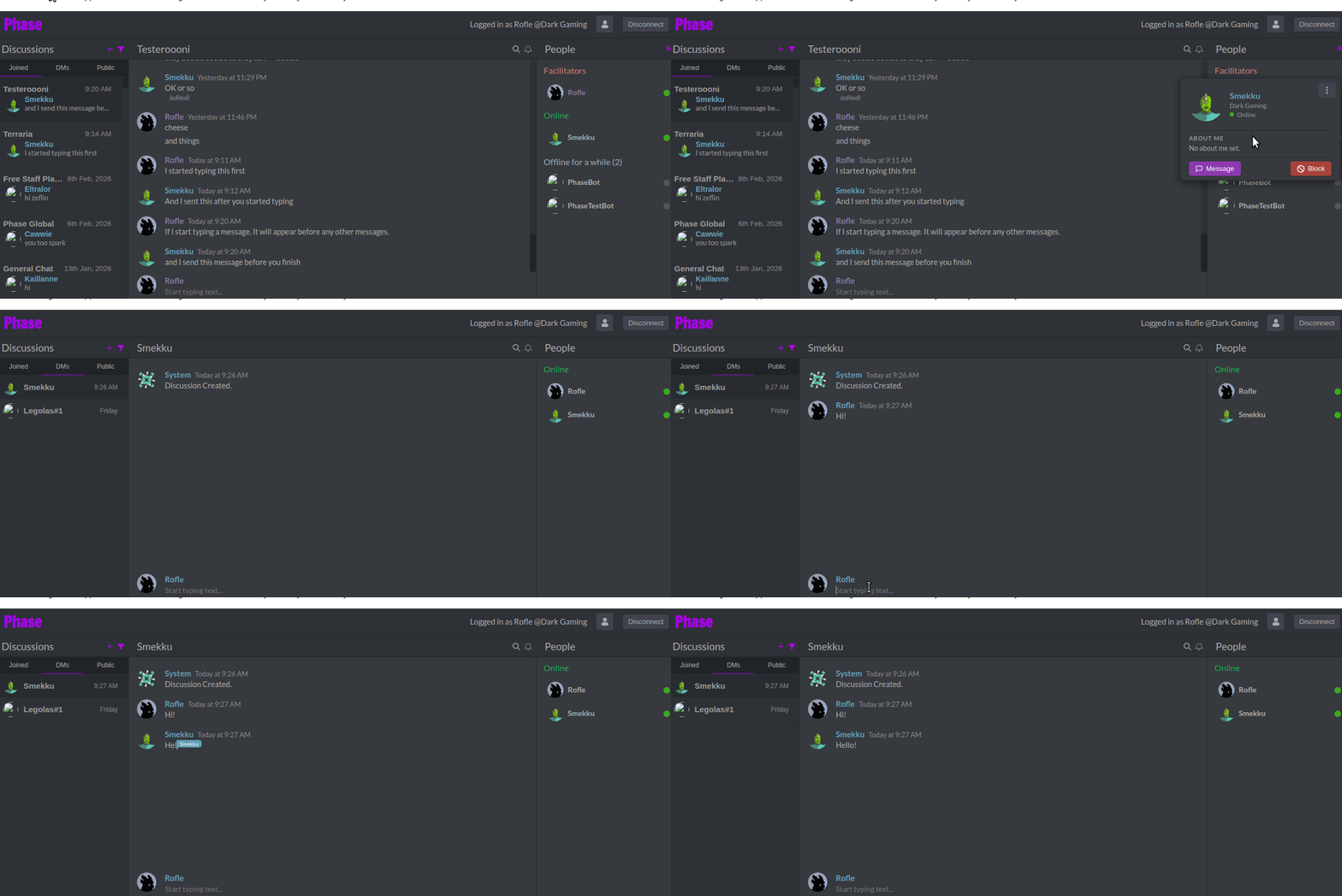
Users can now message other users directly via DMs. This is another category of discussion specifically between two particular users.
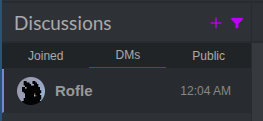
Profiles
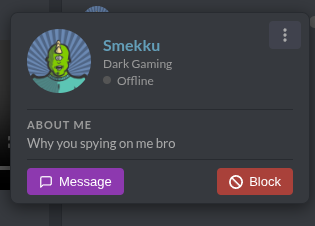
User Profiles
When clicking on an avatar/username you can see a user profile. This displays their online status, terraria status, about me, DM and a block button, plus some extra actions (such as kicking from discussion).
Moderation & Roles
Global Admin/Moderator
Now introduced is Global Admin/Moderator. The people section now delineates between global admin vs discussion admin as such:
- What was previously a discussion admin/mod, and listed as Staff is now listed instead under Facilitators.
- Global Admin/Moderators are now what is listed under “Staff”. Facilitators cannot kick staff out of discussions.
Live Typing
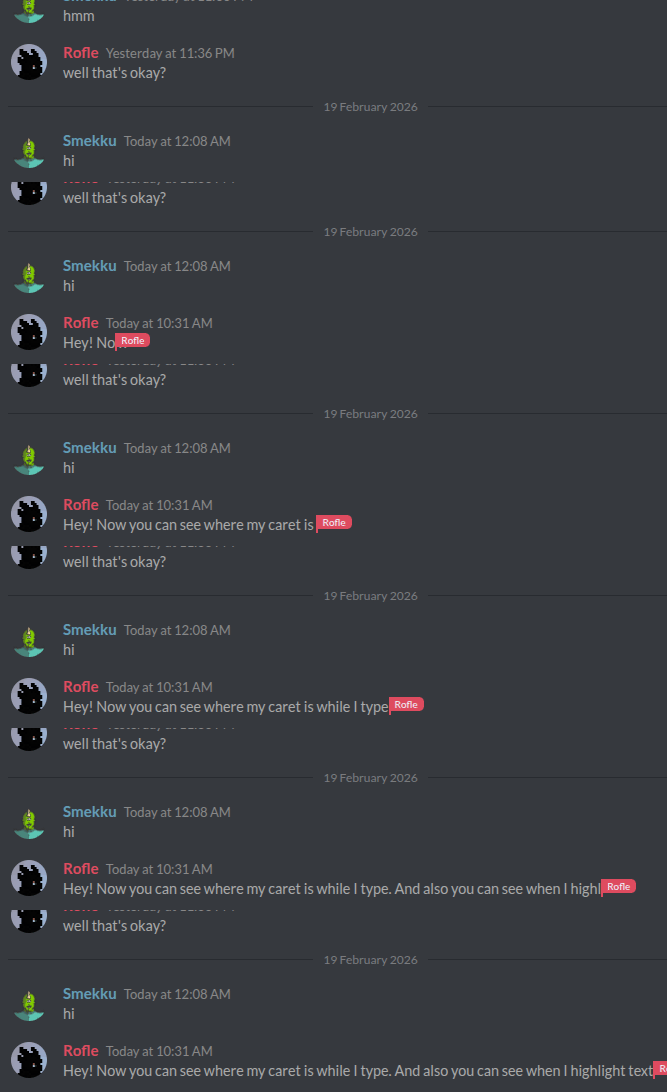
Caret Position and Highlighting
Live typing caret position and highlighting are now included (and can be turned off in settings):
Persistent
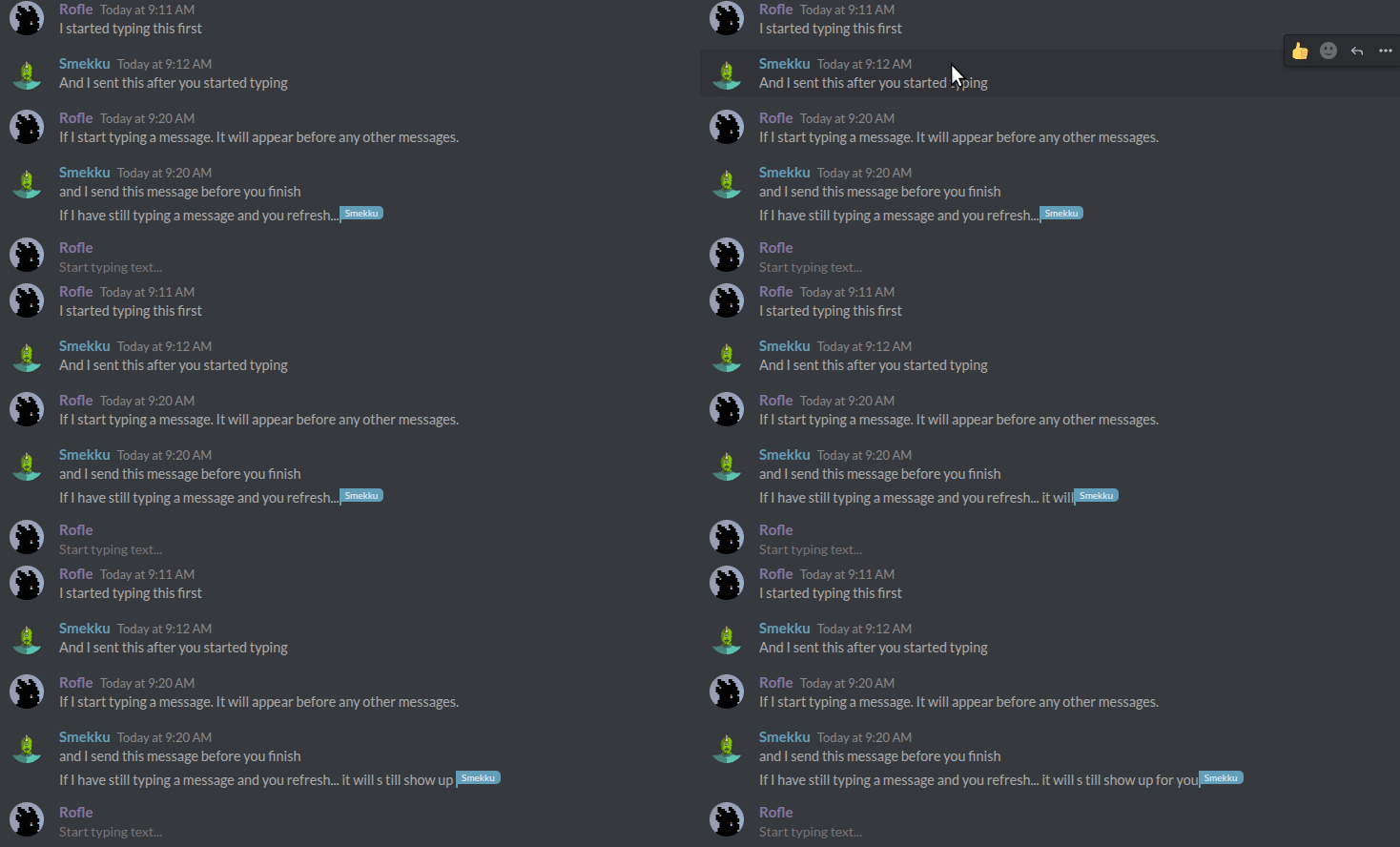
Live typing is now persistent across refreshes and shows in full to people that also just came online, this addresses an issue where if someone loaded Phase after someone started typing, they wouldn’t see the beginning of the message:
In-flow Live Messages
Discussions with this setting disabled:
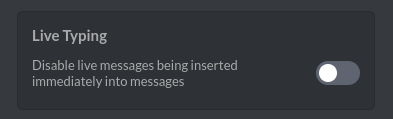
Will have live typing messages immediately inserted in the message list. So long as the message is submitted, it will be saved at that place in the message list, preserving the order that the messages were first typed.
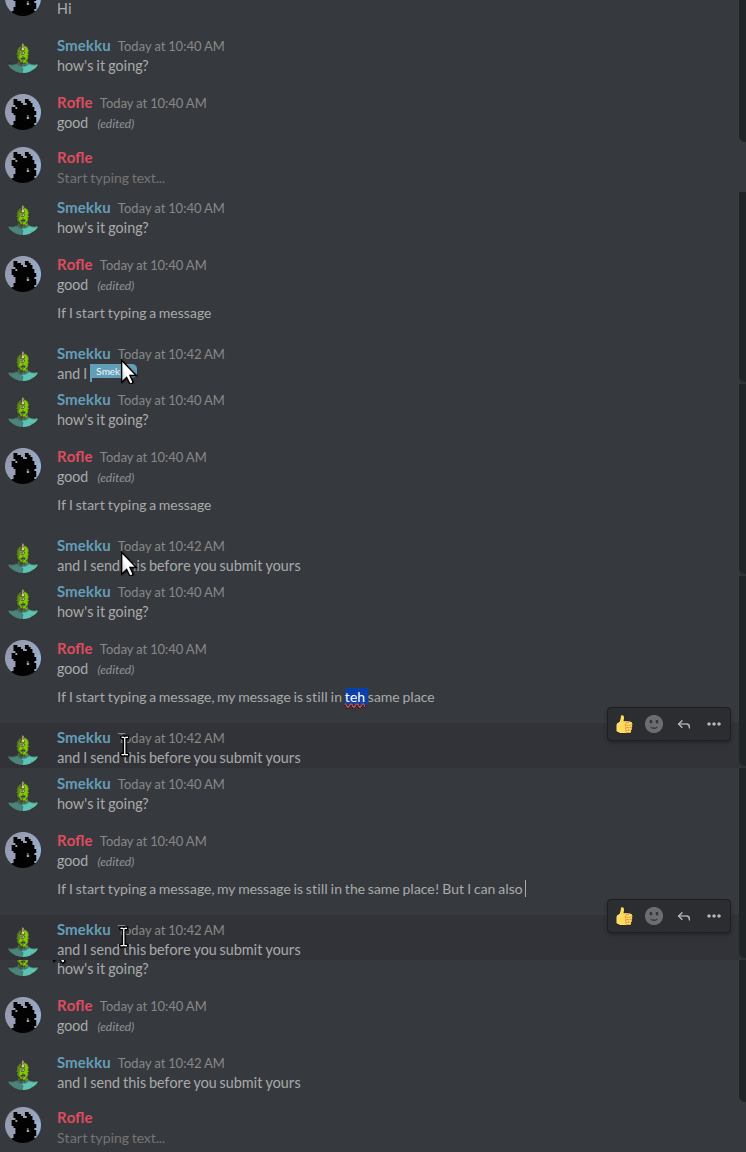
In discussions which have the setting above turned on such as the Terraria discussion, the message order is instead by when they were actually sent and live typing stays separate: