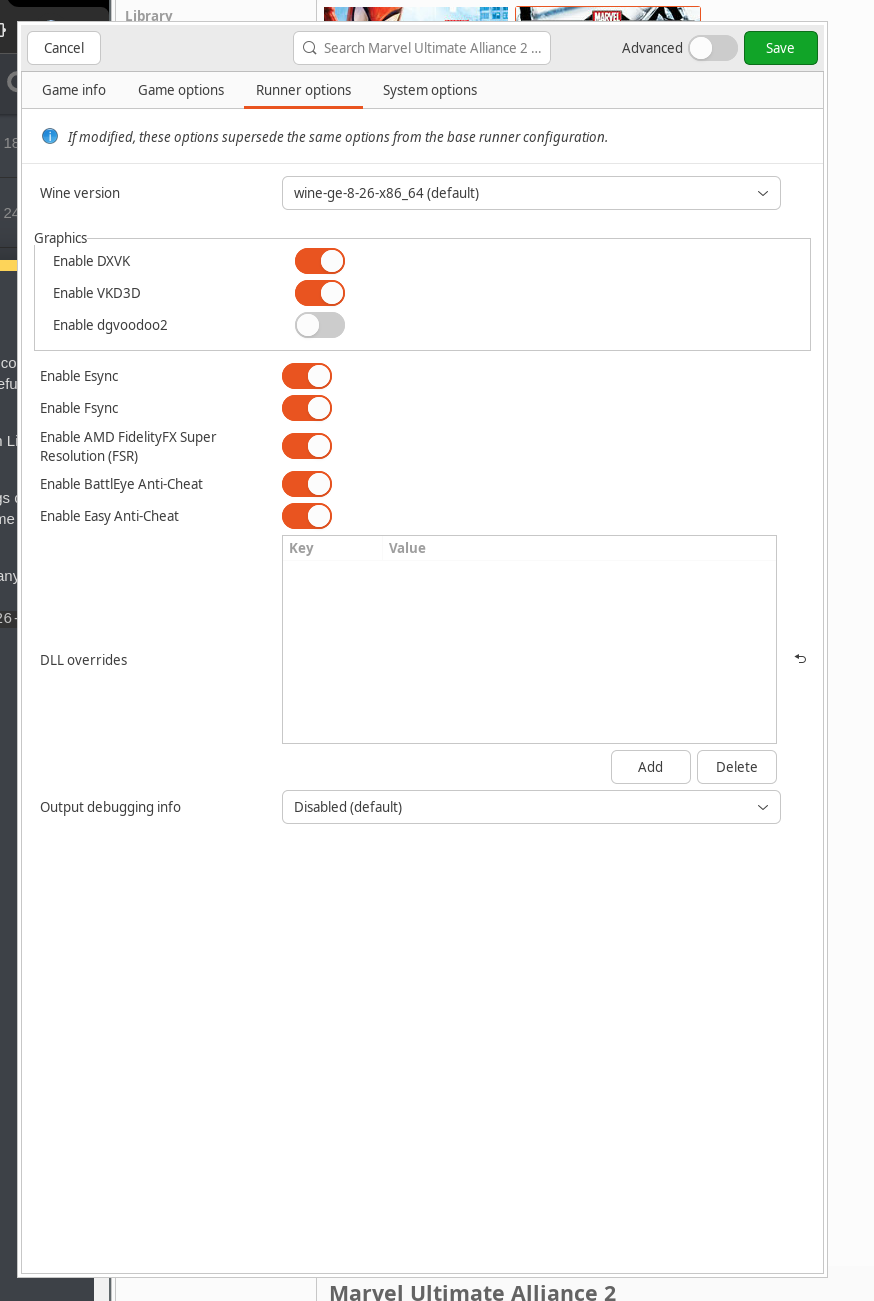
It’s fairly easy to get this game to run with Lutris but my experience was that the controls were all completely messed up and the hardest part was fixing the dpad which refused to work in order to select the different active heroes.
This guide is both a guide to myself and anyone else looking to run this game on Linux and fix the controls.
I personally used the 8BitDo Ultimate Controller for this guide so button mappings could differ. I did try using steaminput but I couldn’t get it to work neither would the game run as a non-steam game with proton for compatibility.
1. Obtaining the game
I obtained the game from here since this game is not purchable on steam anymore and is unavailable otherwise
2. Wine Version
Any wine version seems to work but mine is currently set to wine-ge-8-26-x86_64
3. Fixing the controls
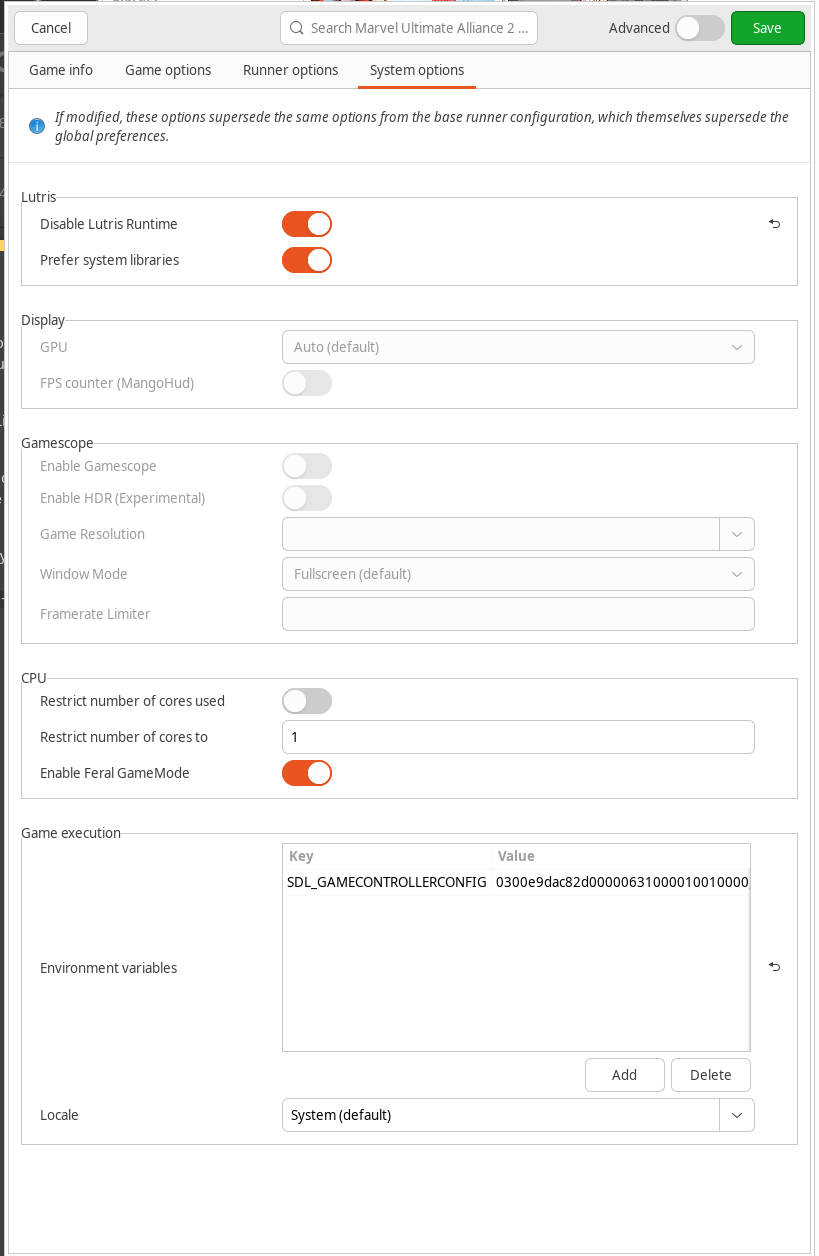
To fix the controls I used SDL_GAMECONTROLLERCONFIG in Configure (right click menu on game entry in lutris) > System options > Game execution > Environment variables
It is currently set to:
0300e9dac82d00000631000010010000,8BitDo Pro 2 Wired Controller UA,a:b3,b:b1,x:b0,y:b2,back:b4,guide:b9,start:b5,leftstick:b6,rightstick:b7,leftshoulder:a2,rightshoulder:a5,dpdown:h0.1,dpleft:h0.2,dpright:h0.4,misc1:h0.8,leftx:a0,lefty:a1,rightx:a3,righty:a4,lefttrigger:b10,righttrigger:b8,dpup:b15,platform:Linux,
This tool: SDL2 Gamepad Tool by General Arcade can be used to get the initial string (Copy mapping string) and then the button mappings can be edited as per above before being put in the environment variables section
4. Fixing DPad
So far all buttons should work except dpad controls were still broken for me at this point, the next step is to disable using xinput go to wine control panel:
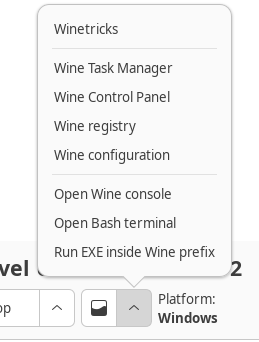
and then game controllers:
The controller should be listed in this section (mines not because I moved it already):
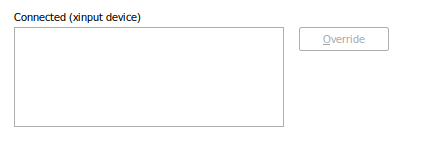
Click on it and then click
Override this should move it to the top section: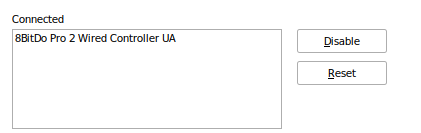
Next you can see in DInput that the controller exists:
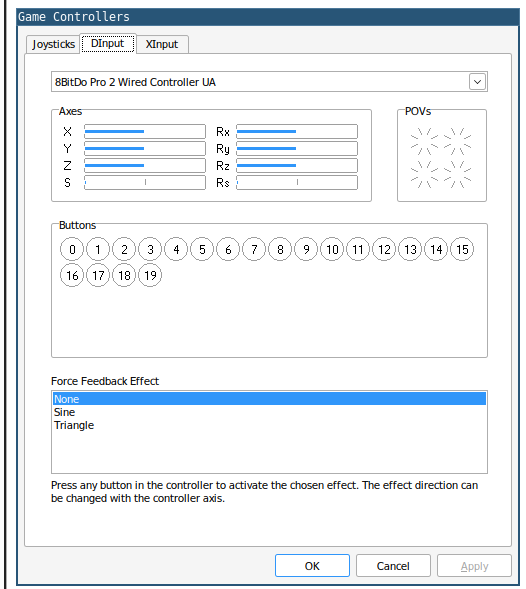
But not in XInput:
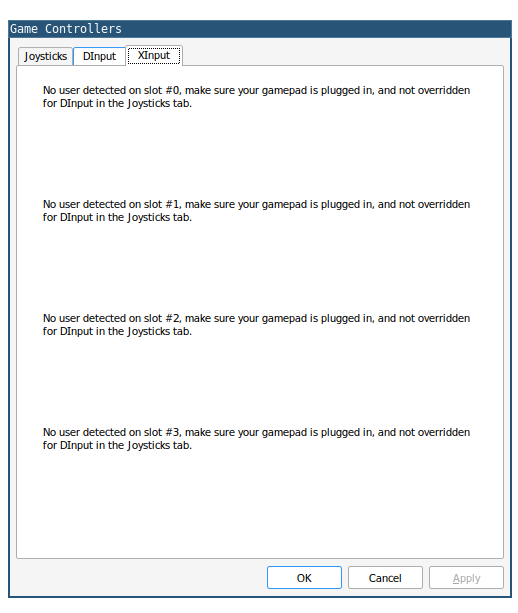
This fixes the use of the dpad